Guide
Updating shareholder information
Audience
Accounting entities
Businesses
Corporate Service Providers (CSP)
Task or topic
Update registers or information
20 August 2025
You can change your shareholders' personal particulars as long as they are not current position holders in any "live" business entity.
This page is under development and being progressively updated.
Before you update
This eService is for shareholders who do not hold any positions. Examples of position holders include directors and company secretaries.
What you need to know
If your shareholder is a | You should |
|---|---|
Position holder in any local entity | Update position holder information instead. |
Singapore Citizen or Permanent Resident | Report these changes to the Immigration & Checkpoints Authority (ICA) directly:
Note: You do not need to notify ACRA about these changes. ICA provides these updates automatically. |
Corporate shareholder registered with ACRA | Update your entity’s Information instead. Note: Local corporate shareholders' information will not be shown in the "Update shareholder information" eService. |
How updates apply across entities
When you update a shareholder's information, some details will automatically update across all their entities. Other details need to be updated separately for each entity.
Information updates
For updates to | What to expect |
|---|---|
Name, address, and nationality | These changes automatically apply across all entities where the shareholder holds shares. |
Mobile number and email address | These are specific to each entity. You need to update them separately for each entity where the shareholder holds shares. |
Identification type and number | You cannot update these in Bizfile. We are working to add this feature in the second half of 2025. |
Who may update
Position holders may file directly on behalf of their company.
You can also engage a corporate service provider (CSP) to file on your behalf.
What you need to prepare
Ensure you have the shareholder's updated information, which includes their:
Name (attach supporting documents like deed poll)
Identification type and number
Nationality
Address (residential and contact)
Mobile number and email address
If a shareholder has passed away, you need to update their status and date of death.
Fees and processing time
Update shareholder information
What you need to know | Details |
|---|---|
Fee | Free |
Processing time | Immediate |
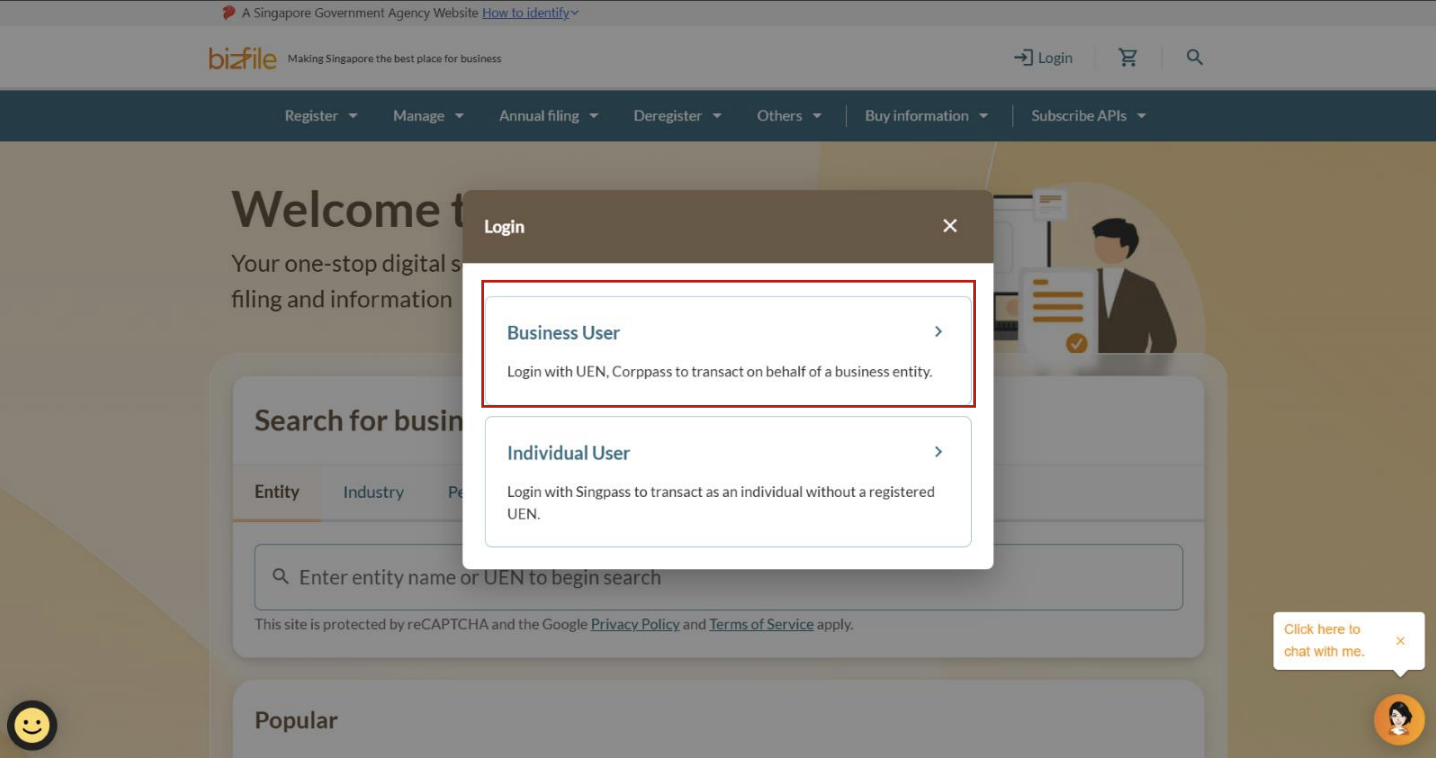
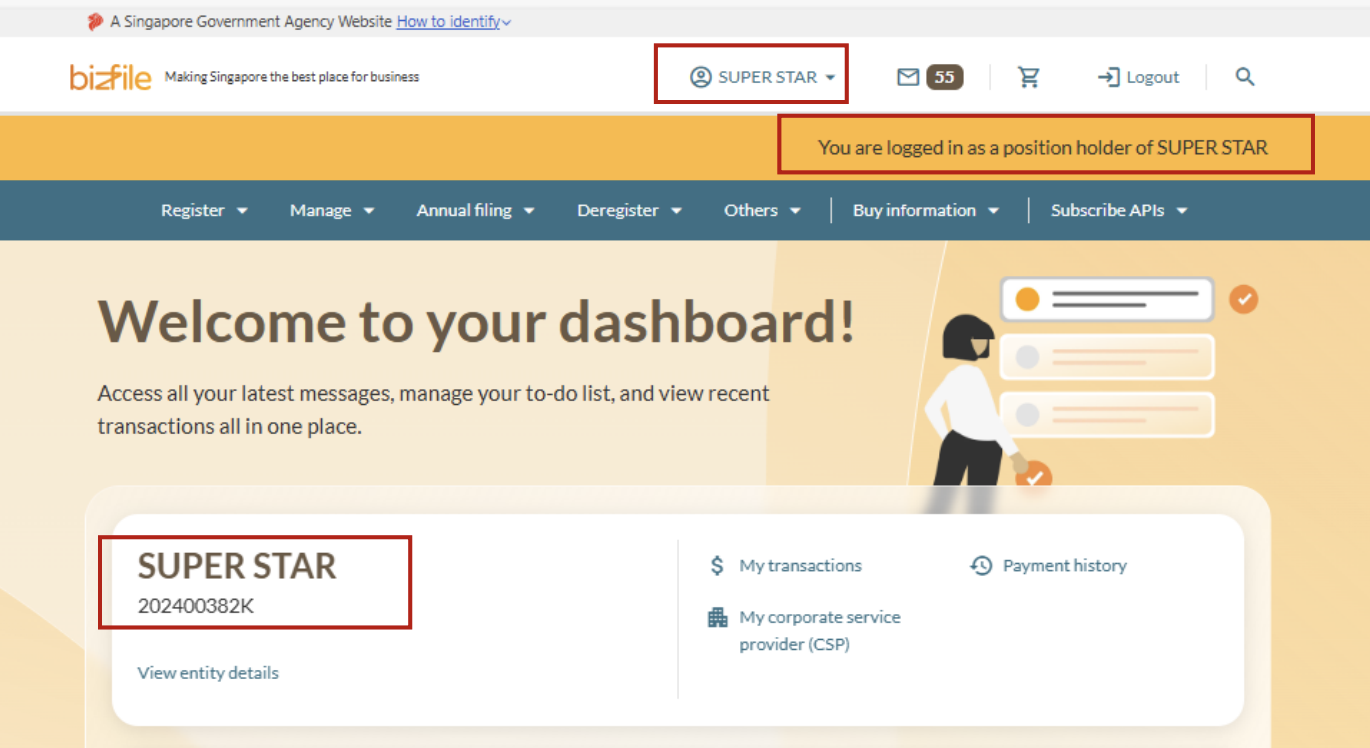
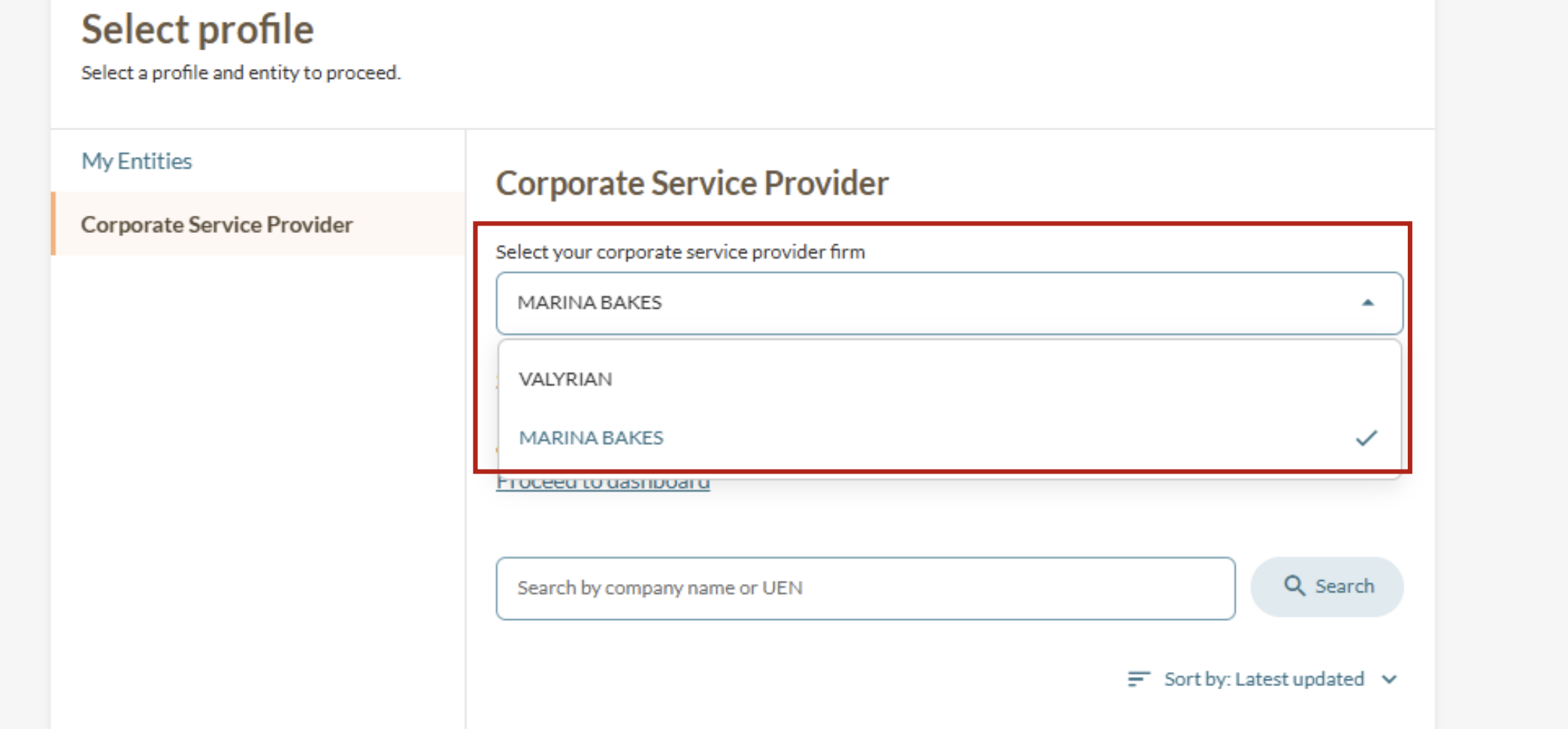
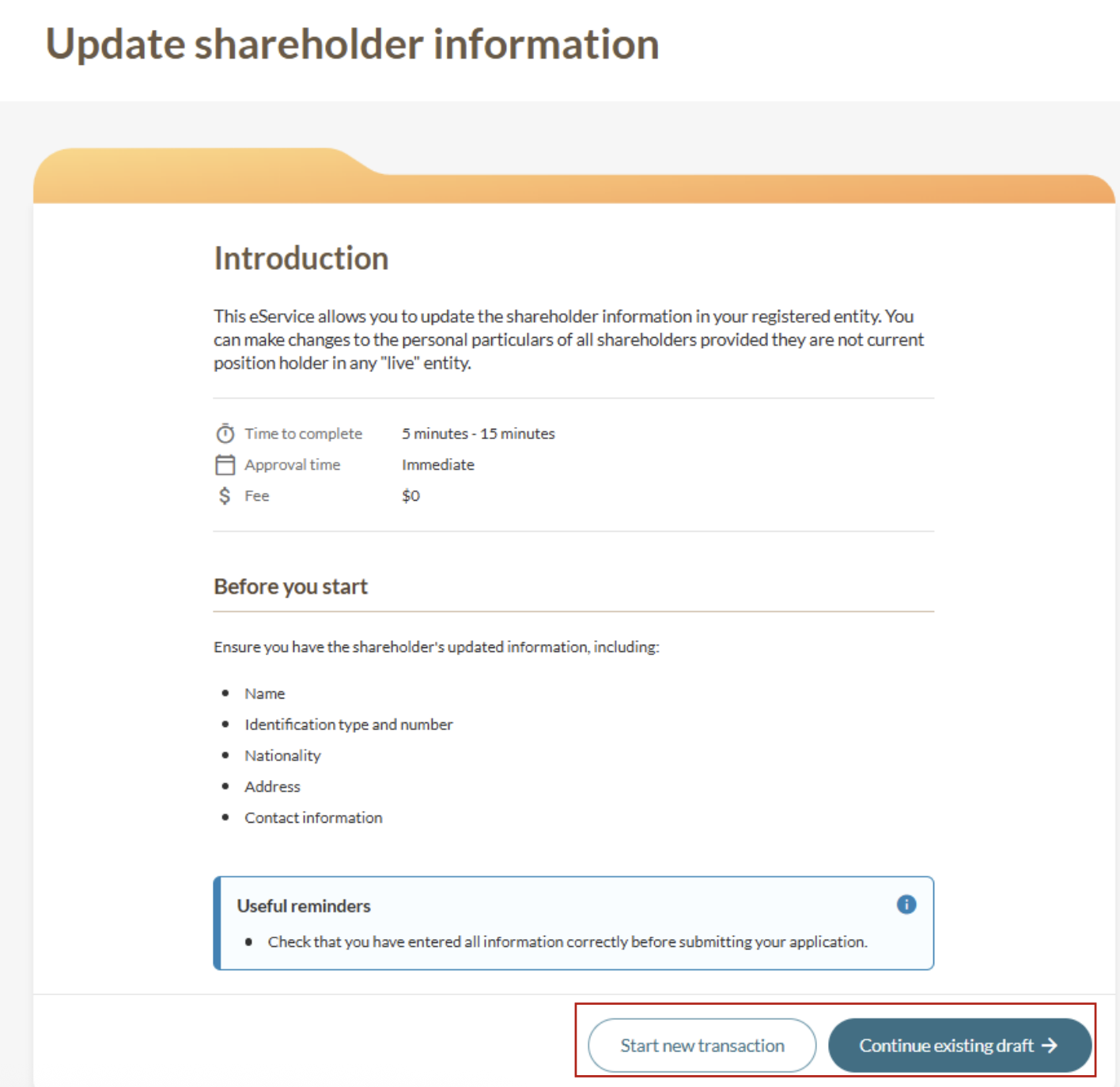
Step 1: Log in to Bizfile and open the "Update shareholder information" eService.
Follow these steps to navigate to the Update shareholder information eService.
Note: All entity and personal information (including UEN, entity details, NRIC or FIN numbers, names and addresses) shown are dummy data for illustration purposes only.
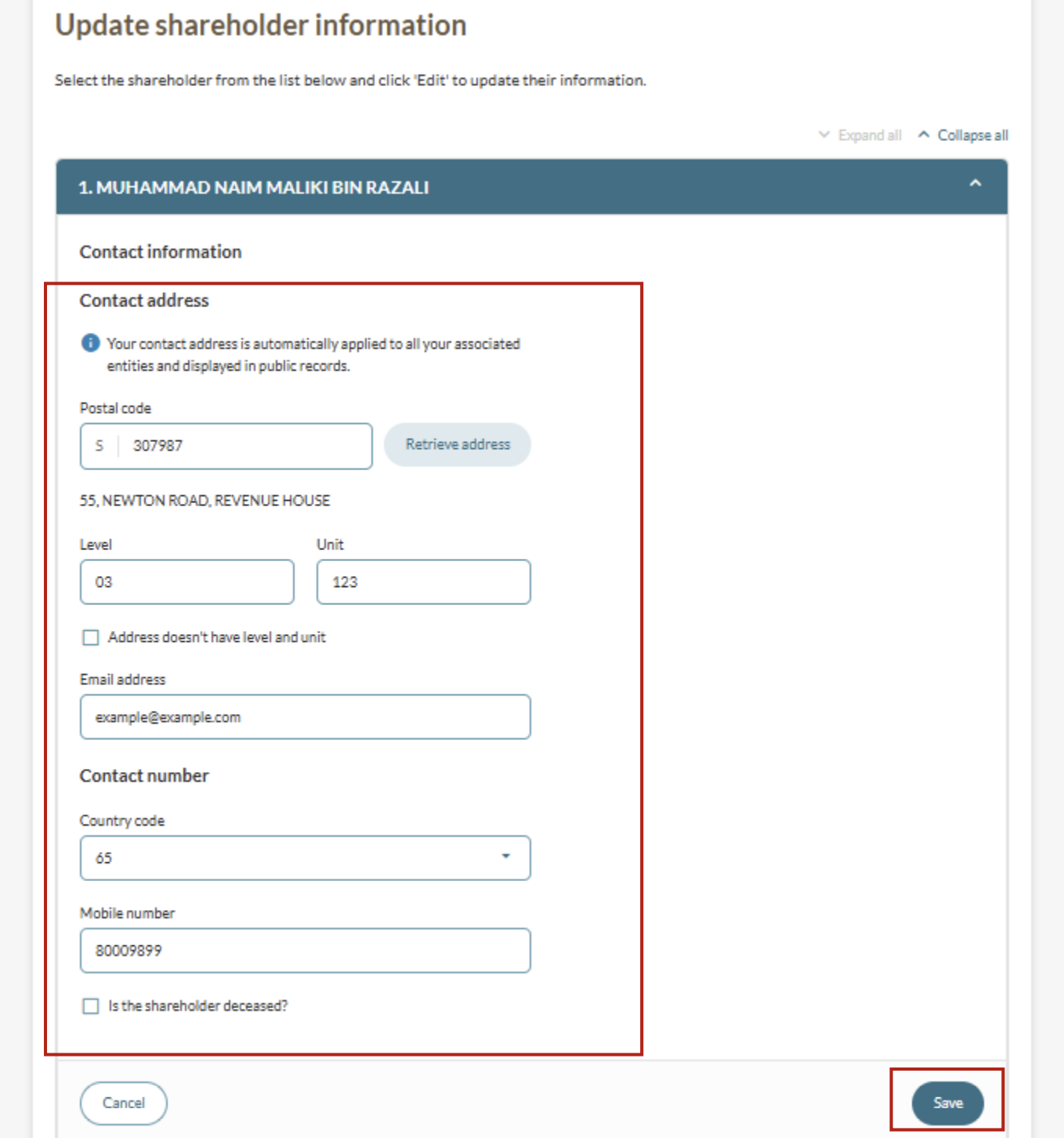
Step 2: Update shareholder's details
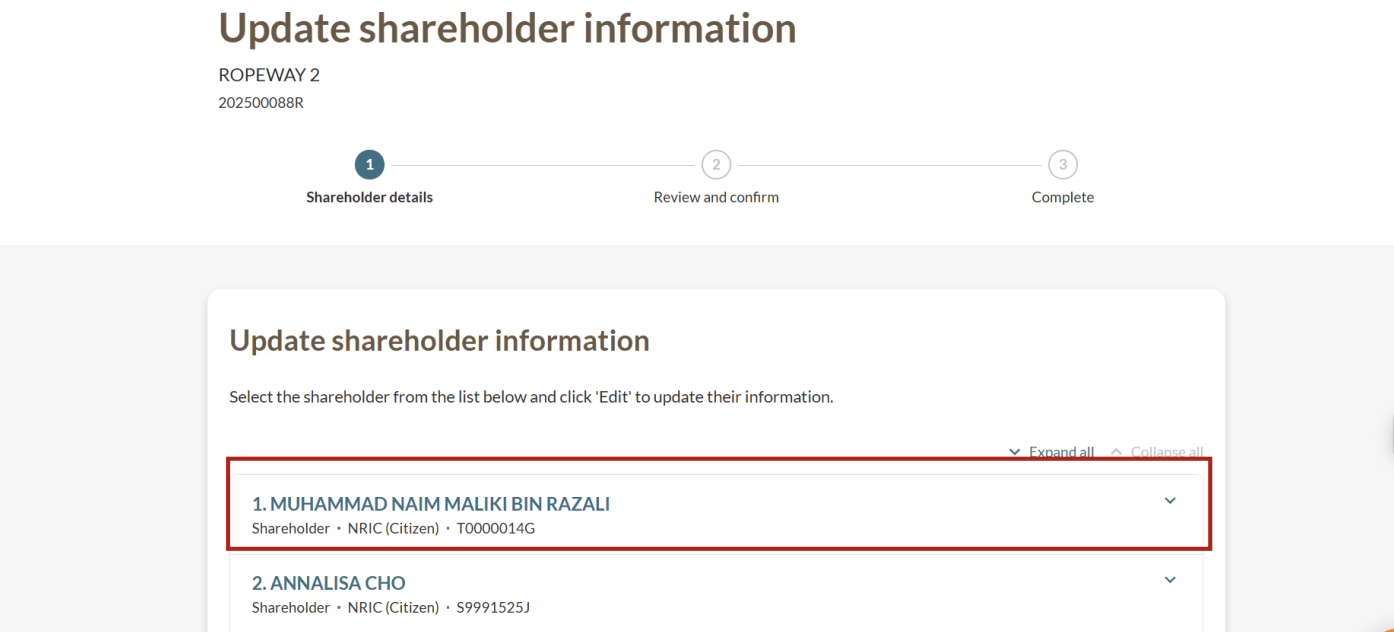
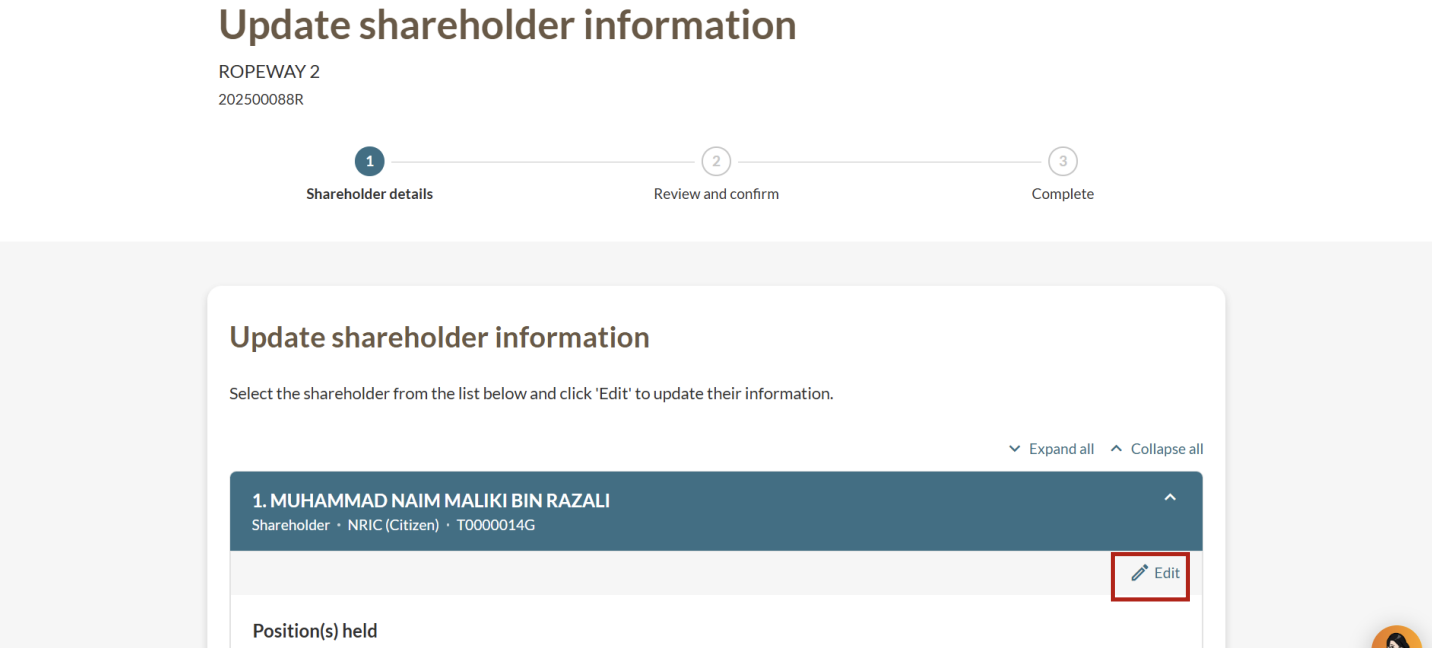
The information you can update depends on your shareholder type. This includes NRIC holders, foreign shareholders, and foreign entities.
You need to enter the effective date for each change that you make. For example, if you update a shareholder's contact address, you must indicate the effective date of that change.
Note: If a shareholder passes away, their name will appear on the company profile until their shares are transferred out.
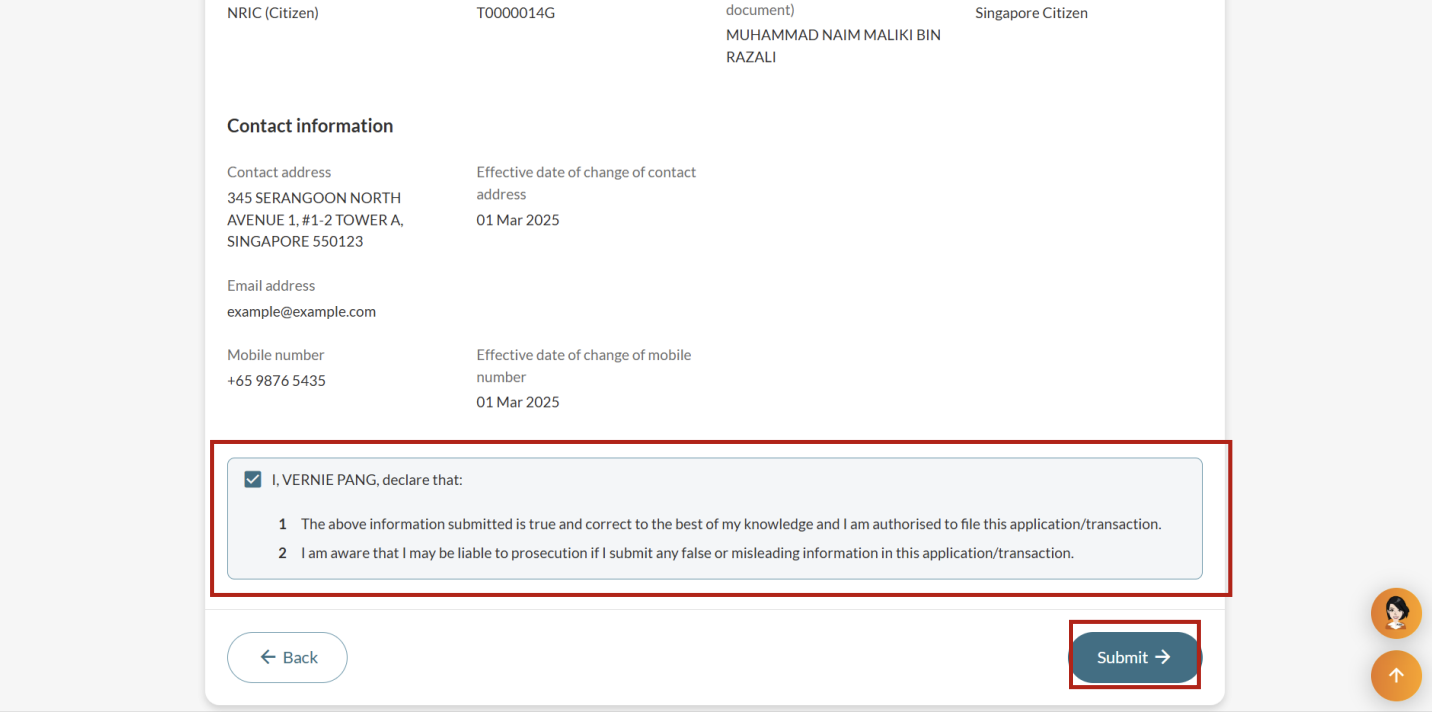
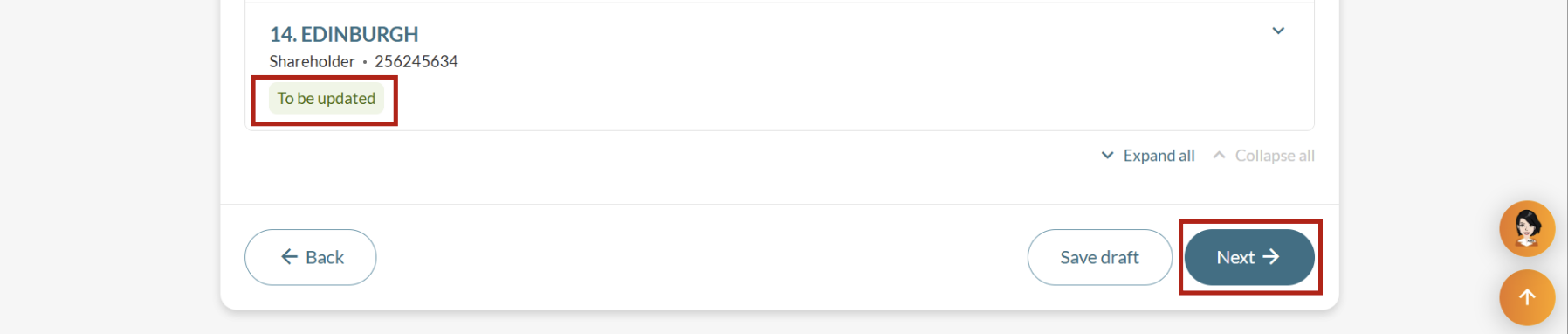
Step 3: Review and submit your application
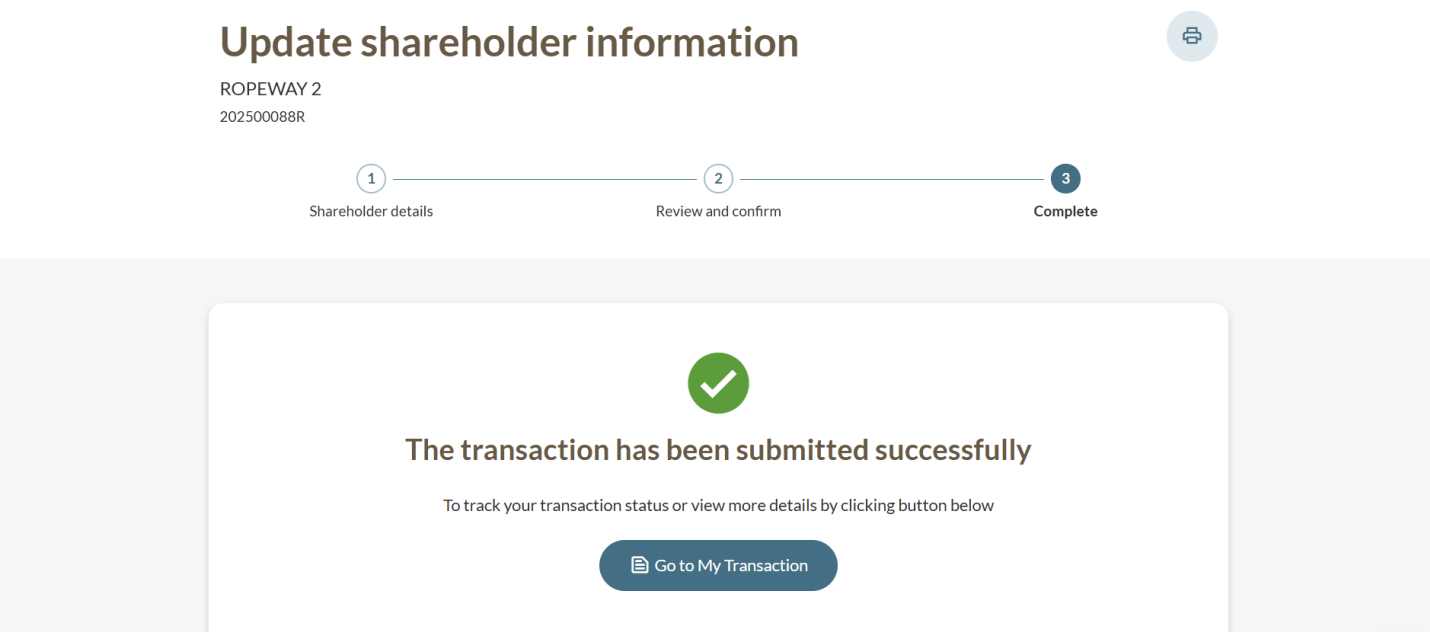
After you update the shareholder details, you need to review your application and submit.