Guide
Filing a court order to approve share capital reduction (Order of Court)
Audience
Accounting entities
Businesses
Corporate Service Providers (CSP)
Task or topic
Shares and share information
3 December 2025
If the Court approves your reduction of share capital, you need to file the court order and update your share capital and shareholding details.
This page is under development and being progressively updated.
Before you file
This guide explains how to file a notice of court order for approval of the reduction of share capital by special resolution under section 78G.
What you need to know
Key facts | Details |
|---|---|
Who may file | Companies that:
You may either:
|
When you can file | Within 90 days after the court order date |
What you need to prepare |
|
Fees | Free |
Processing time | Immediate |
Note: The capital reduction takes effect immediately after you submit this filing.
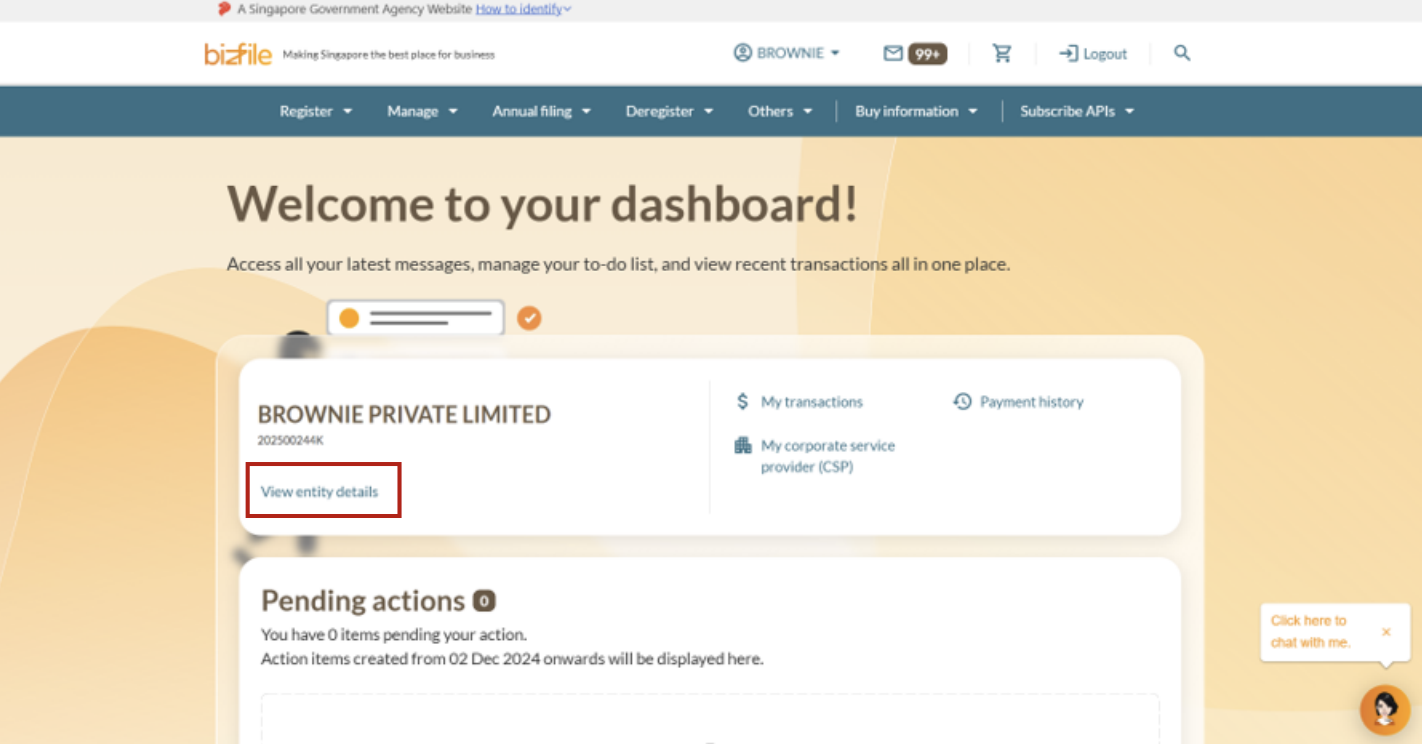
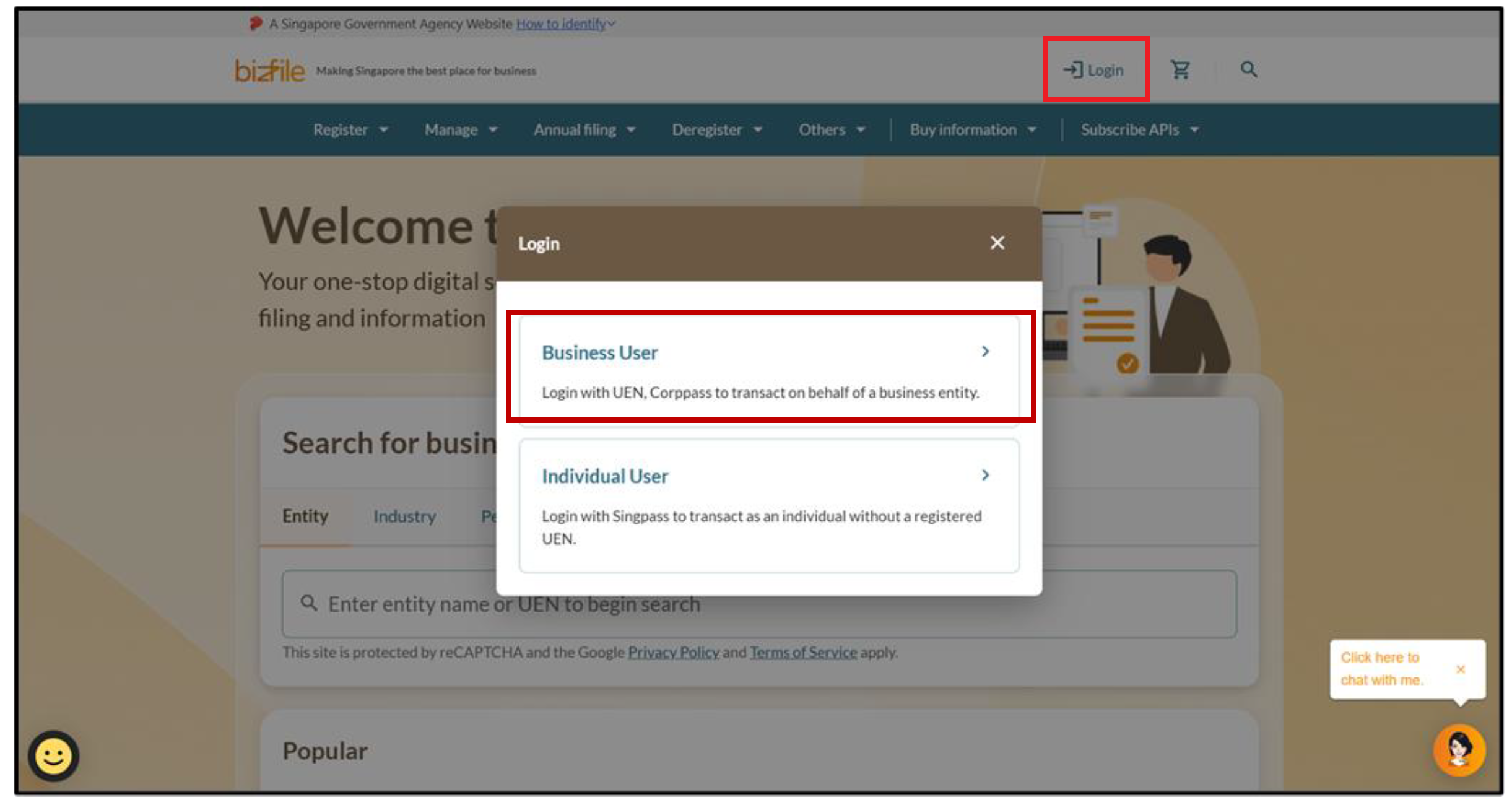
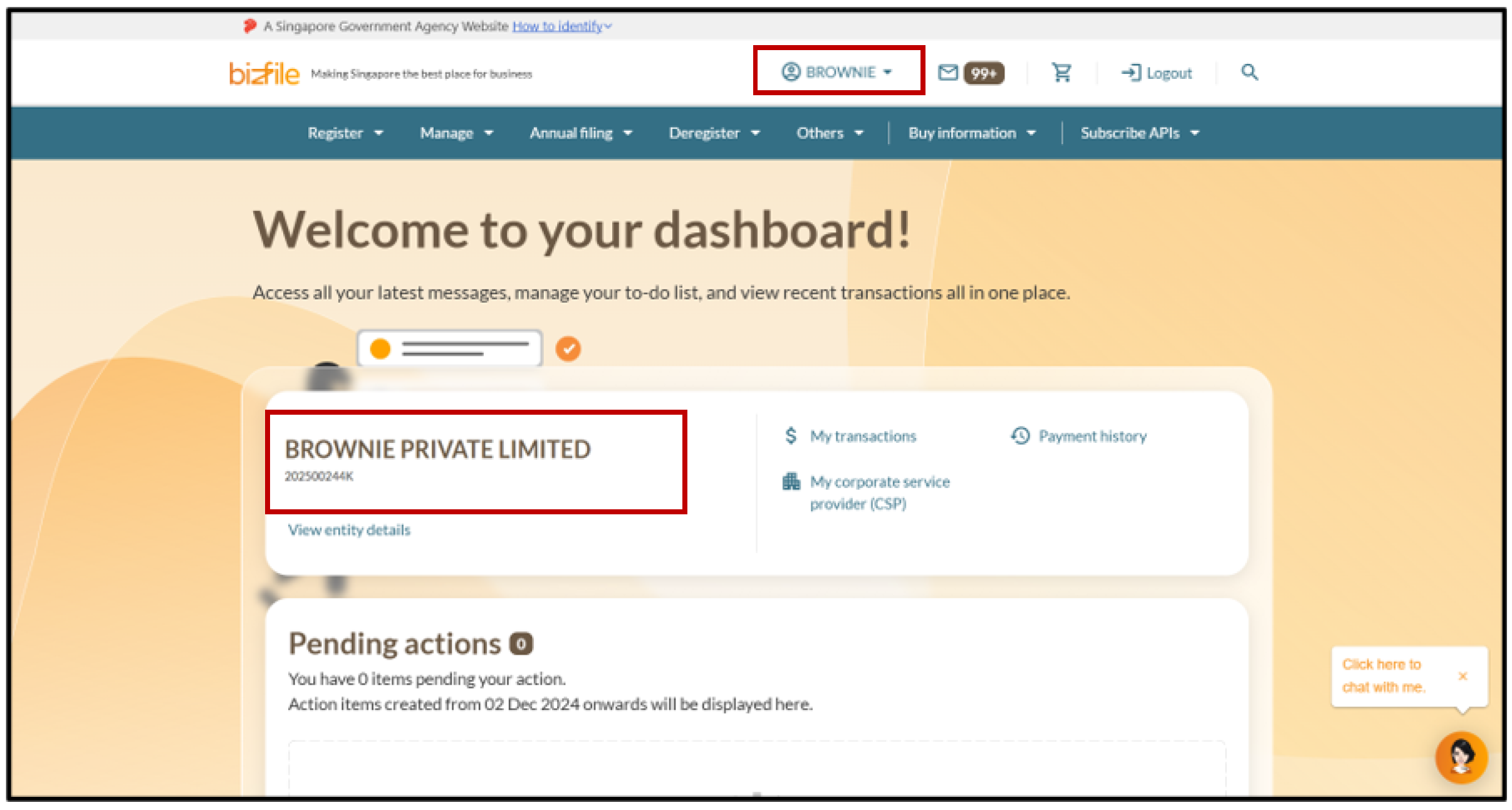
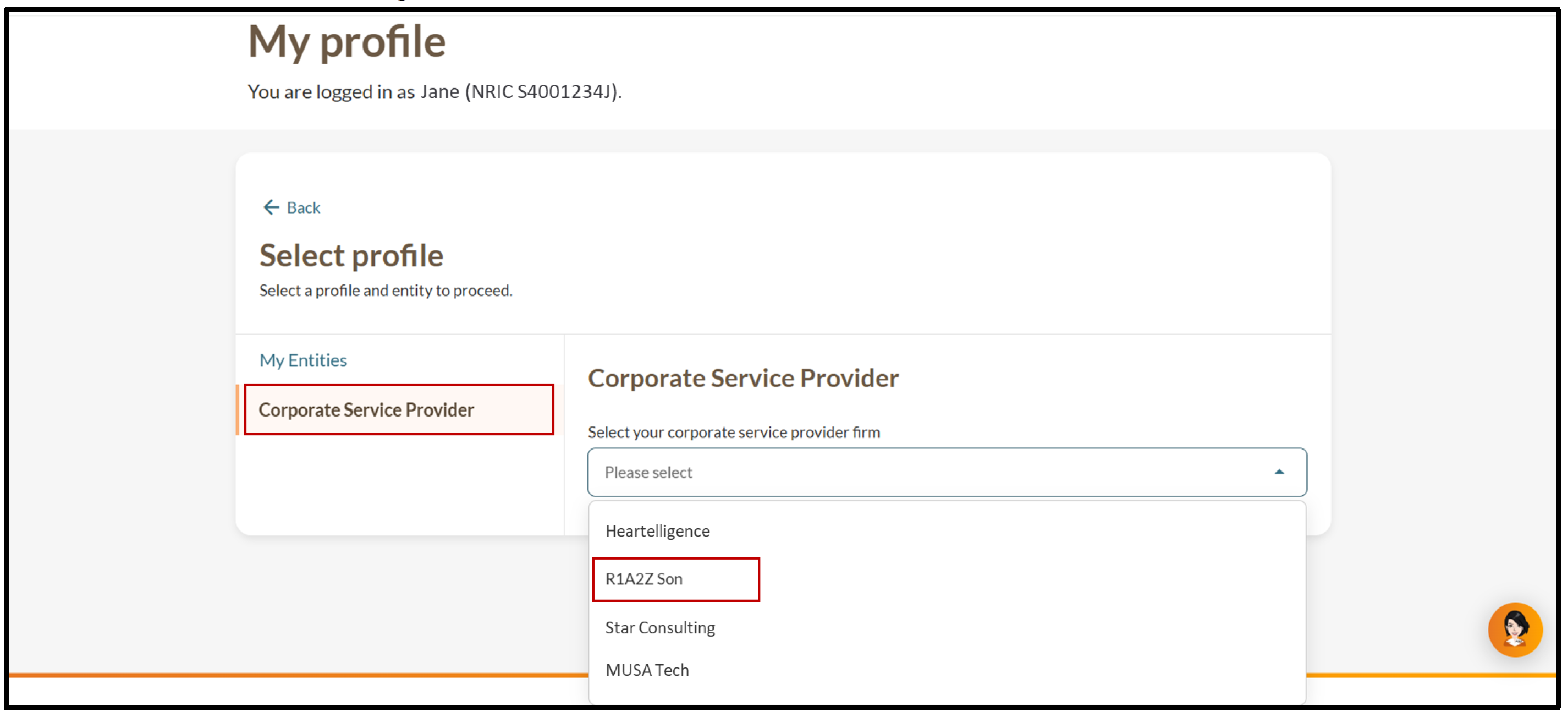
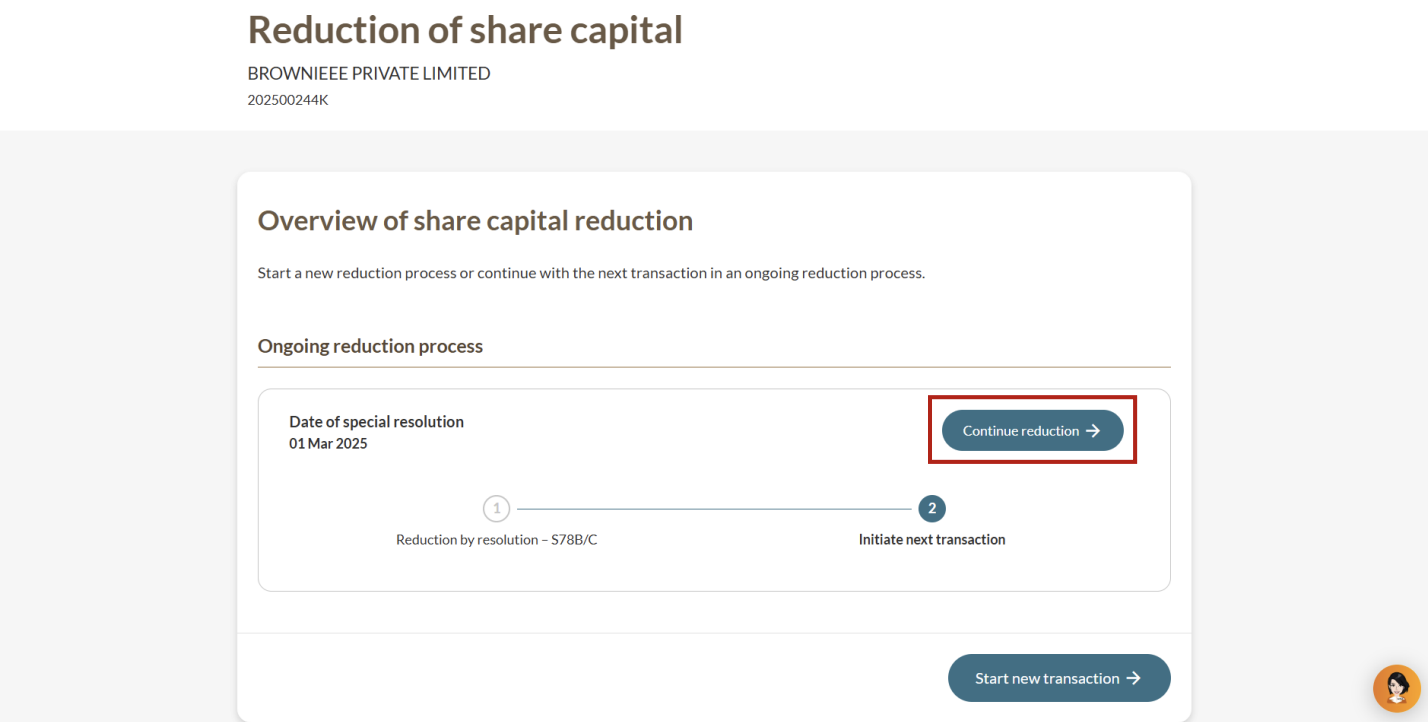
Step 1: Log in to Bizfile and open the “Update reduction of share capital” eService
Follow these steps to navigate to the Update reduction of share capital eService.
Note: All entity and personal information (including UEN, entity details, NRIC or FIN numbers, names and addresses) shown are dummy data for illustration purposes only.
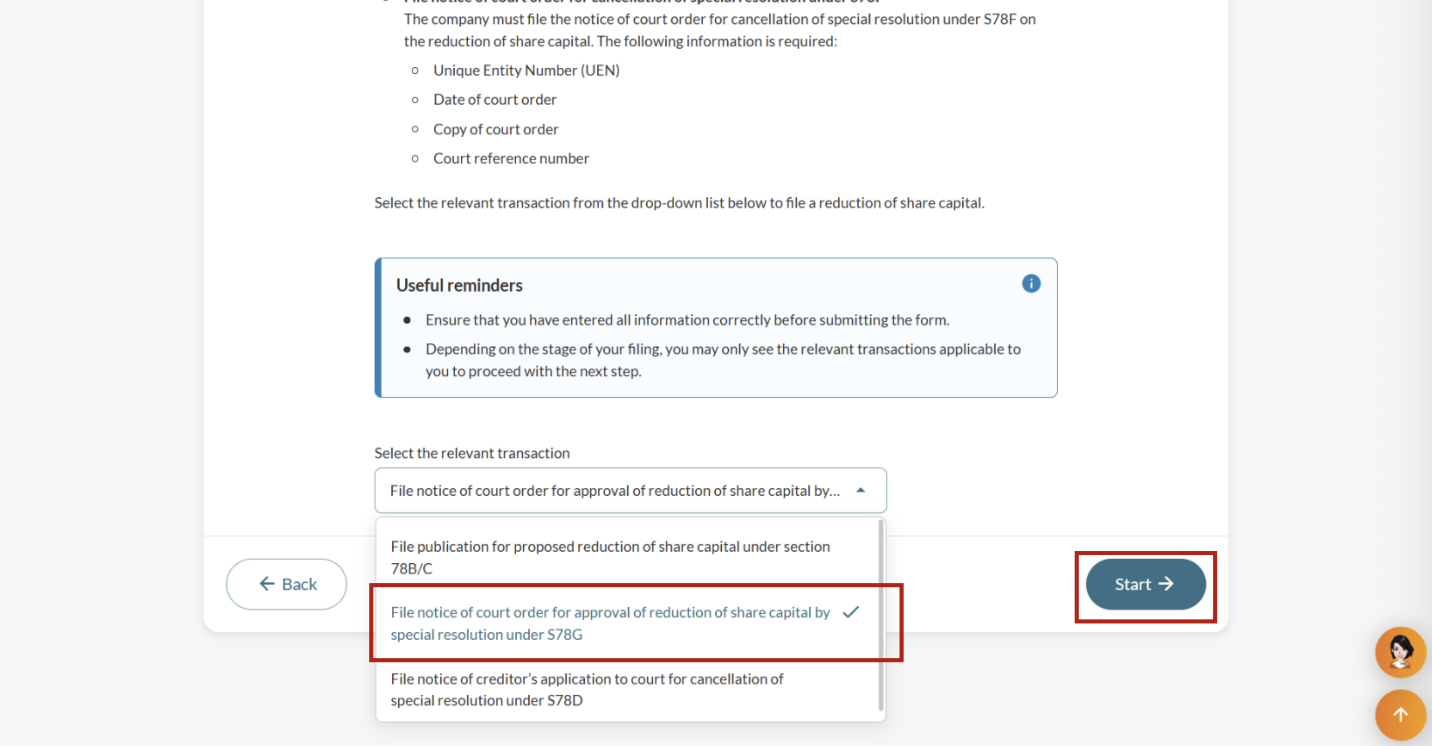
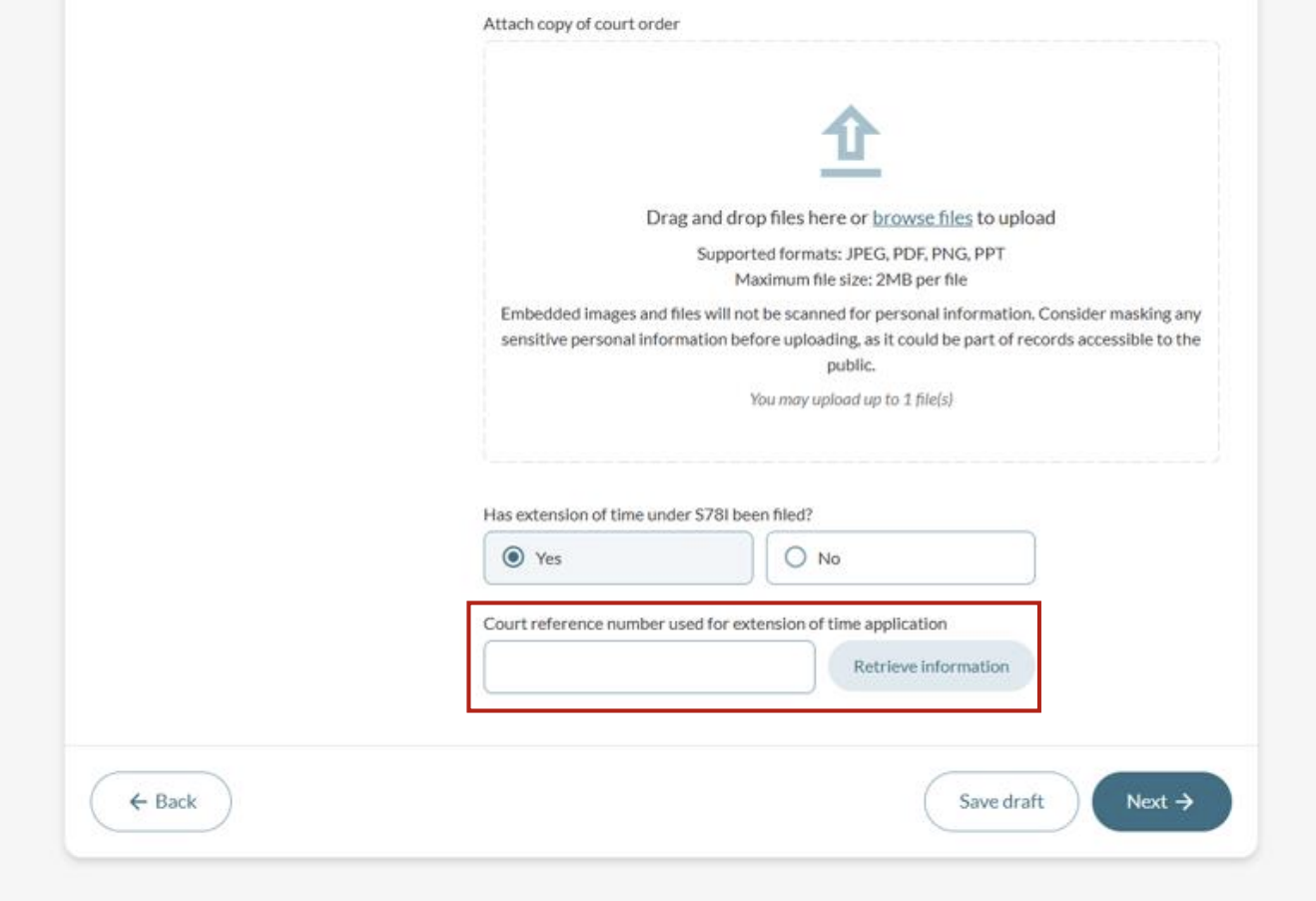
Step 2: File court order details
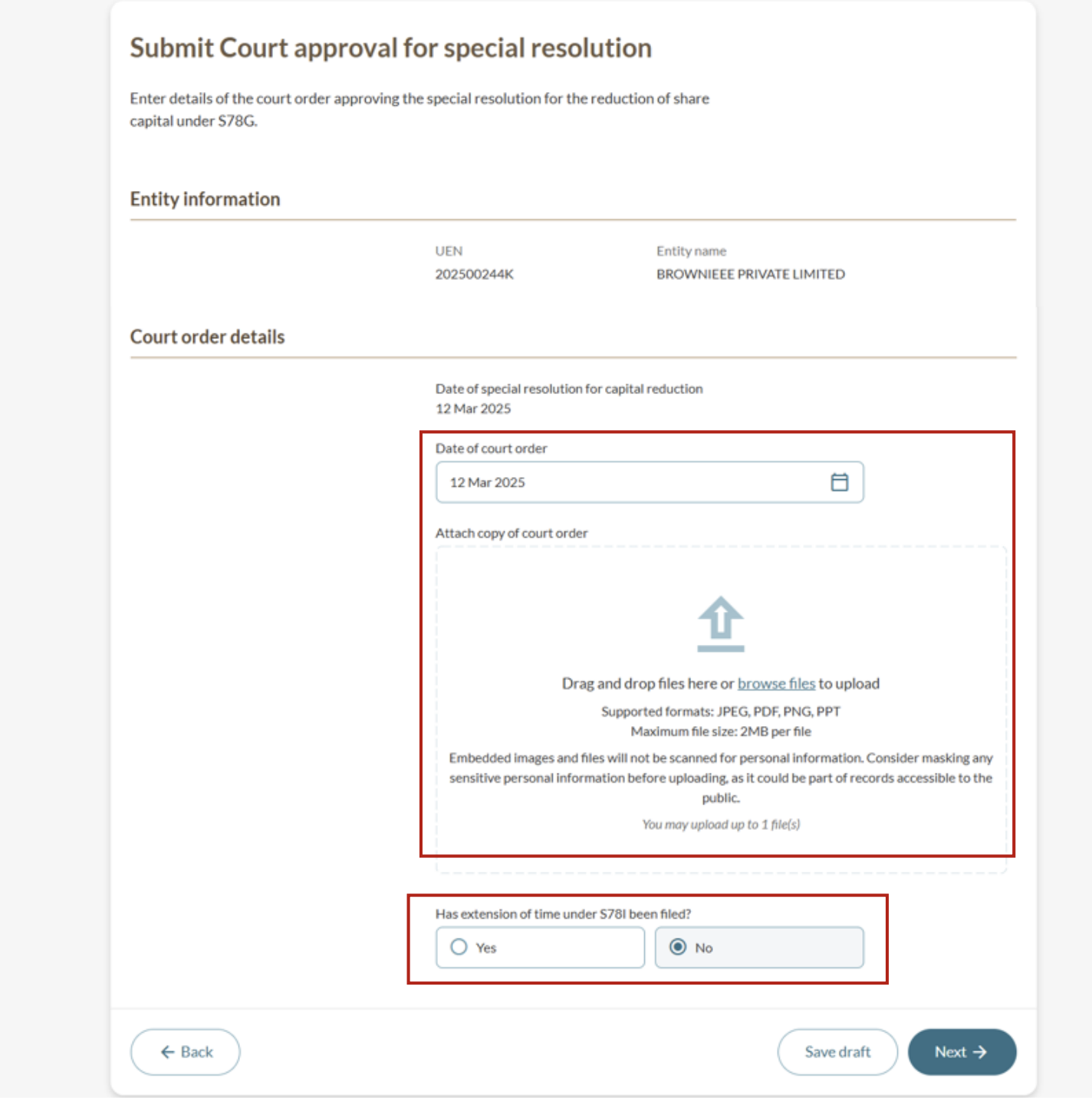
After you select the relevant transaction:
Enter the date of the court order; and
Upload a copy of the court order.
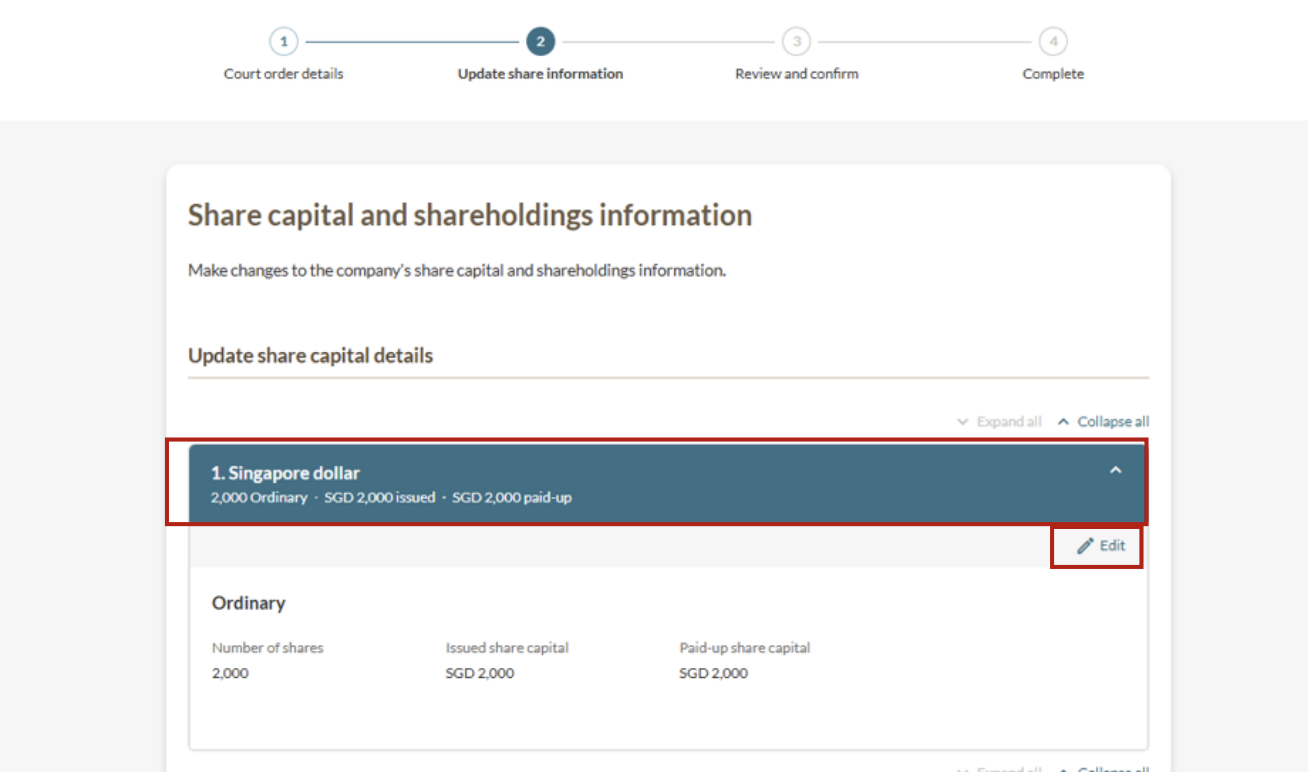
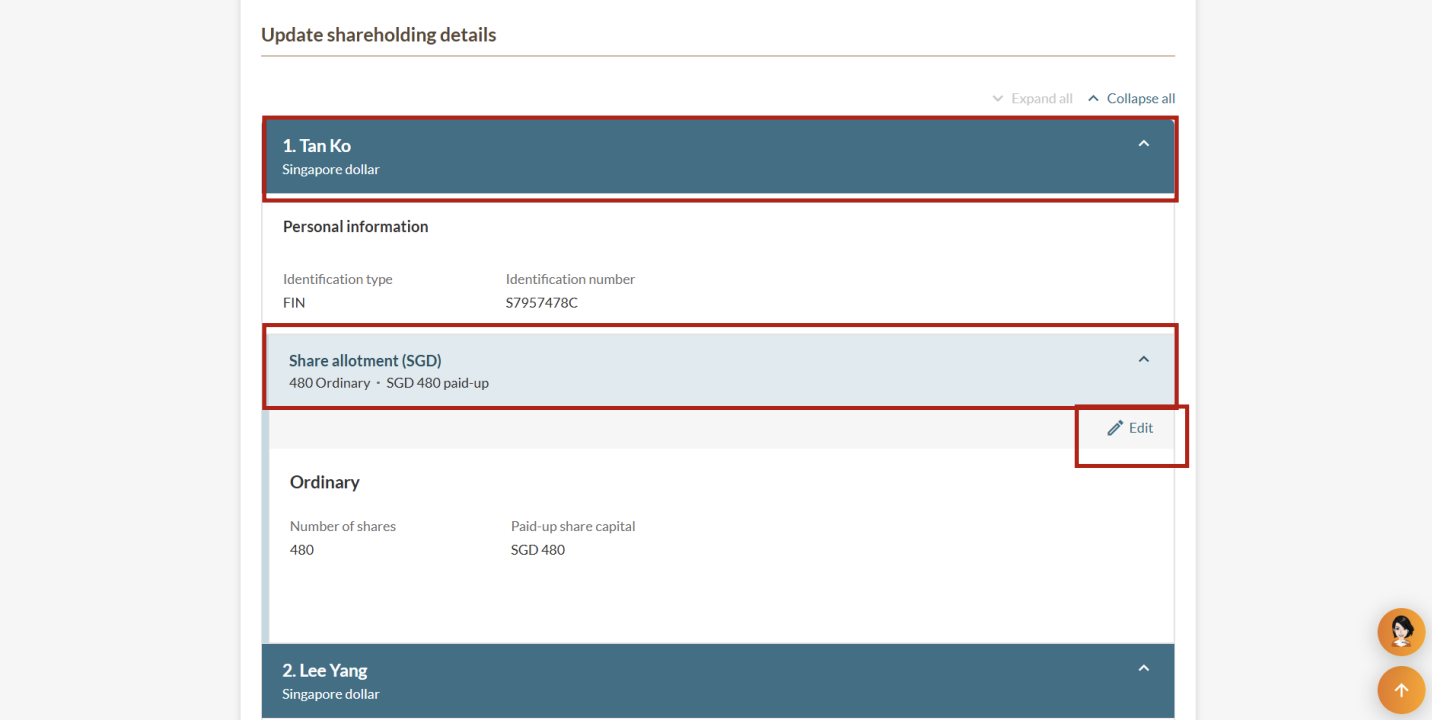
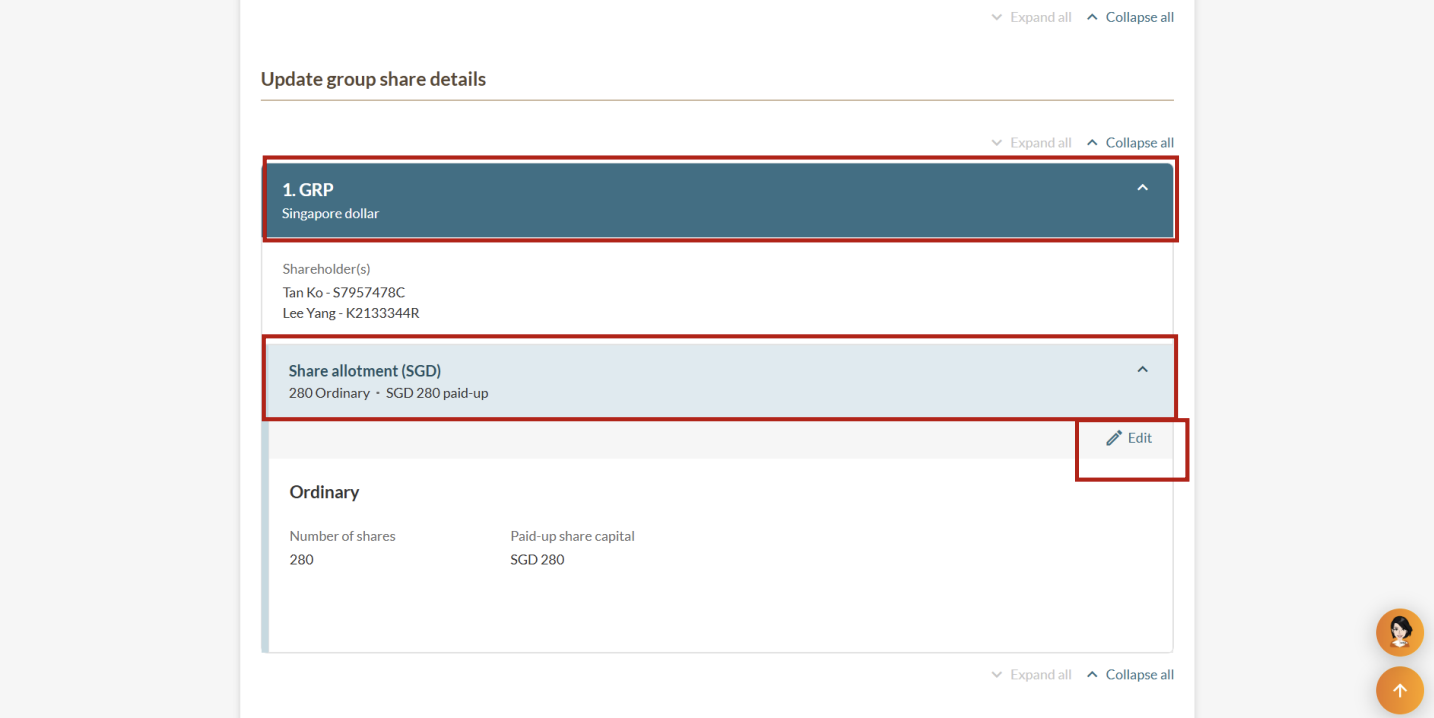
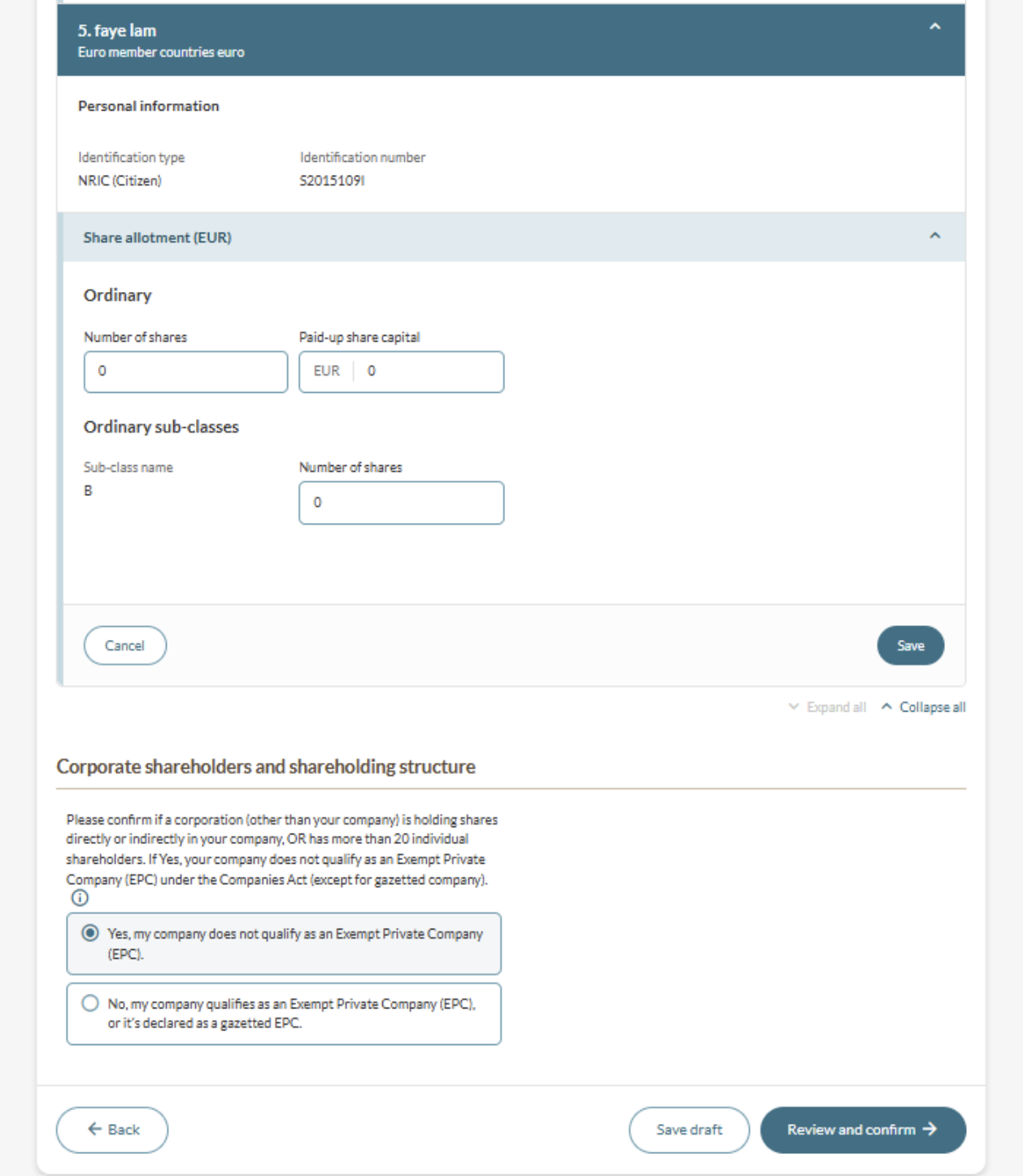
Step 3: Update share details
Make changes to your company's share capital and shareholding details.
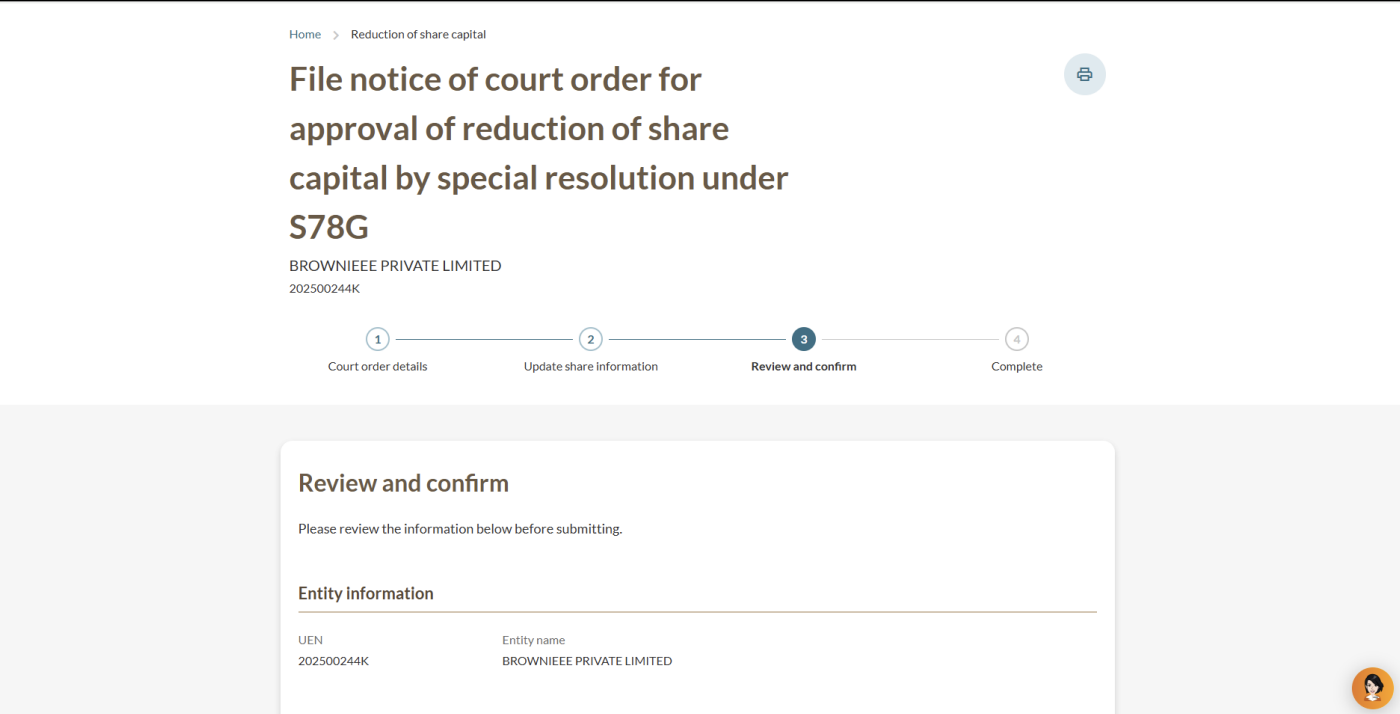
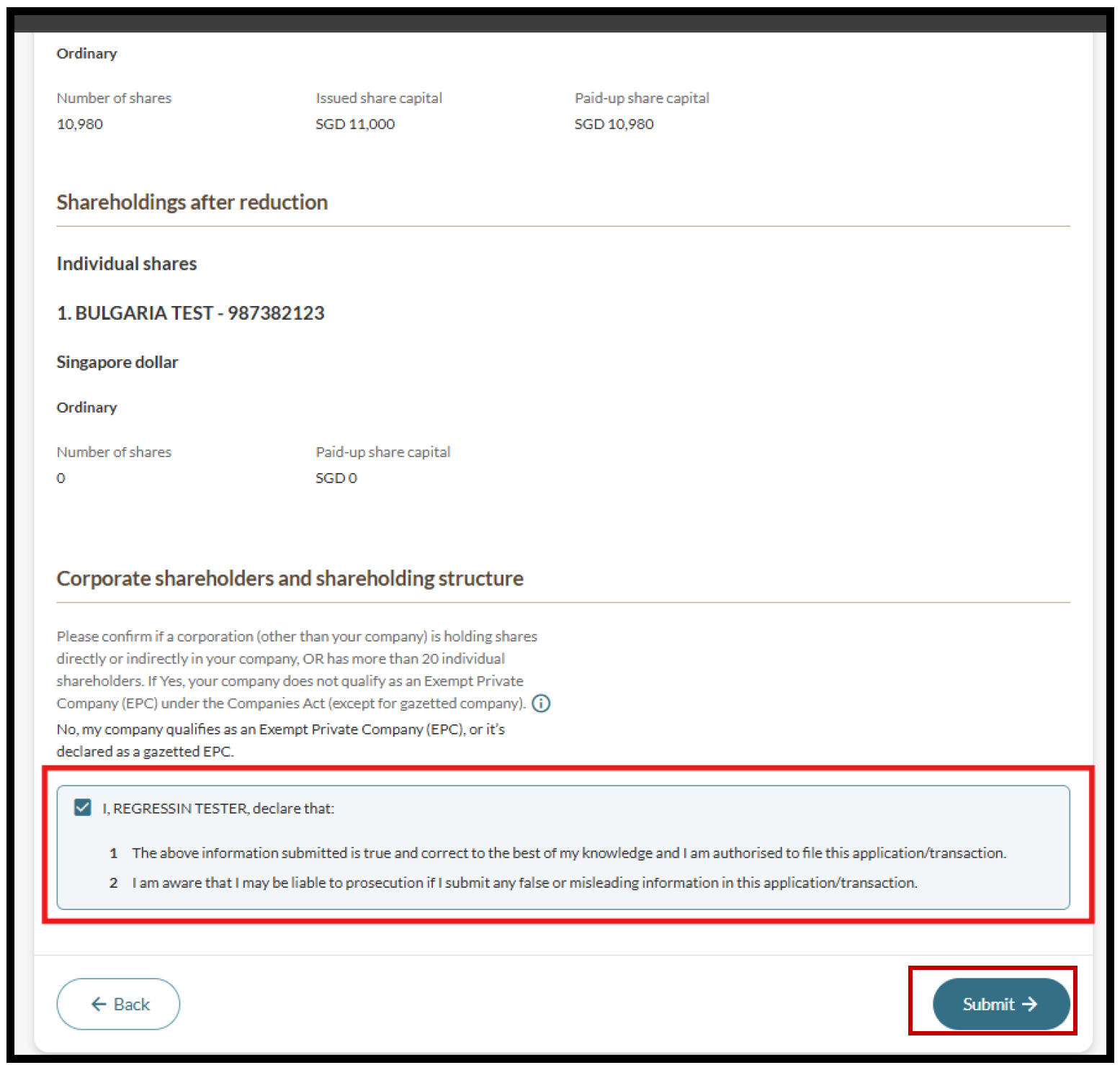
Step 4: Review and submit
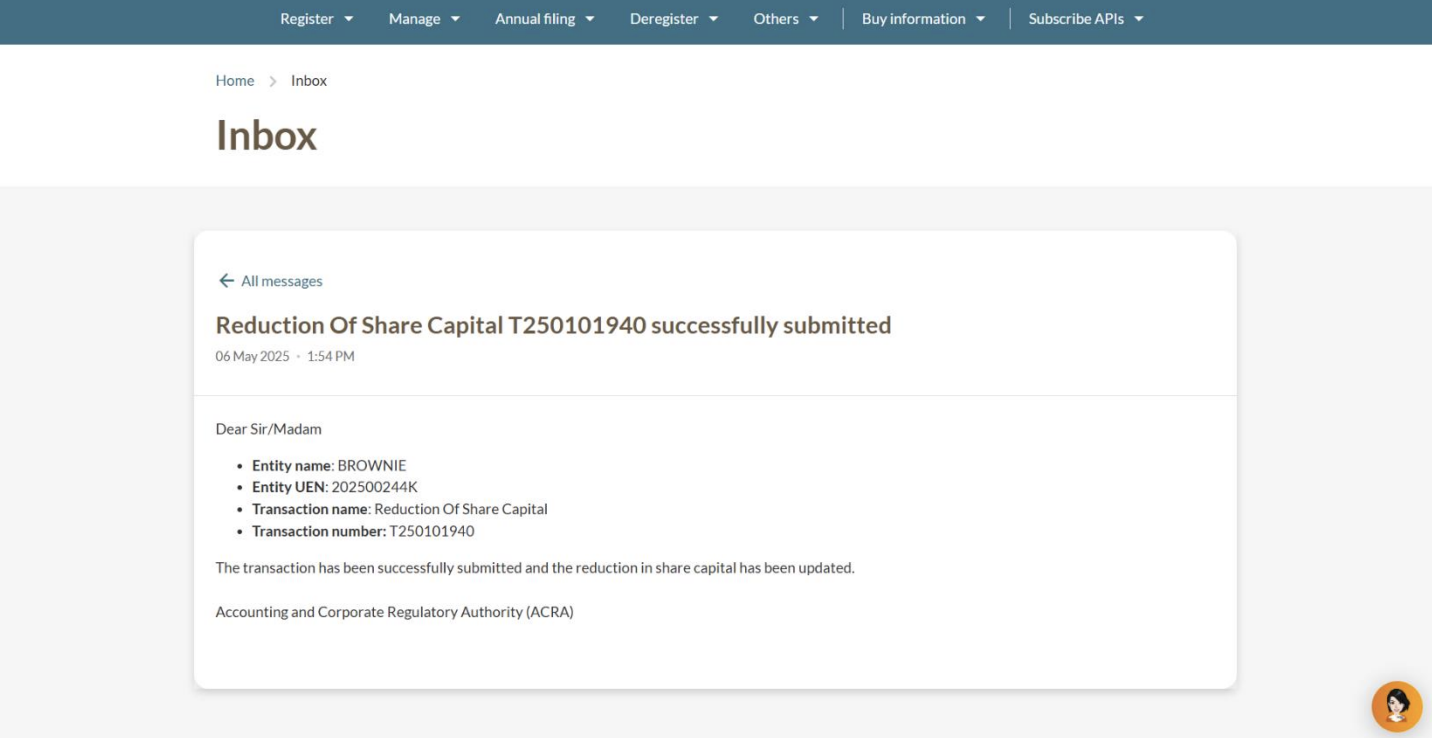
After you file
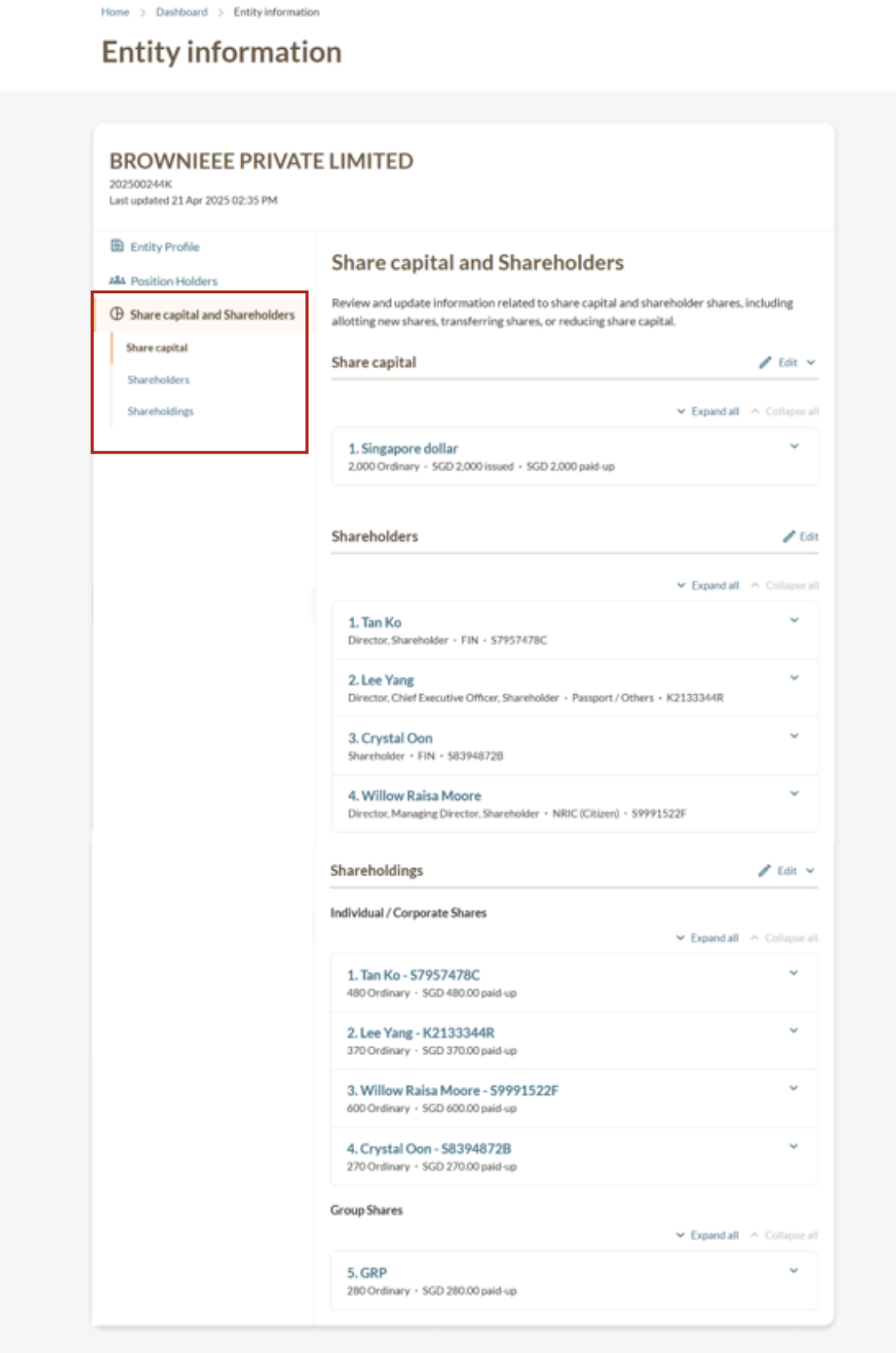
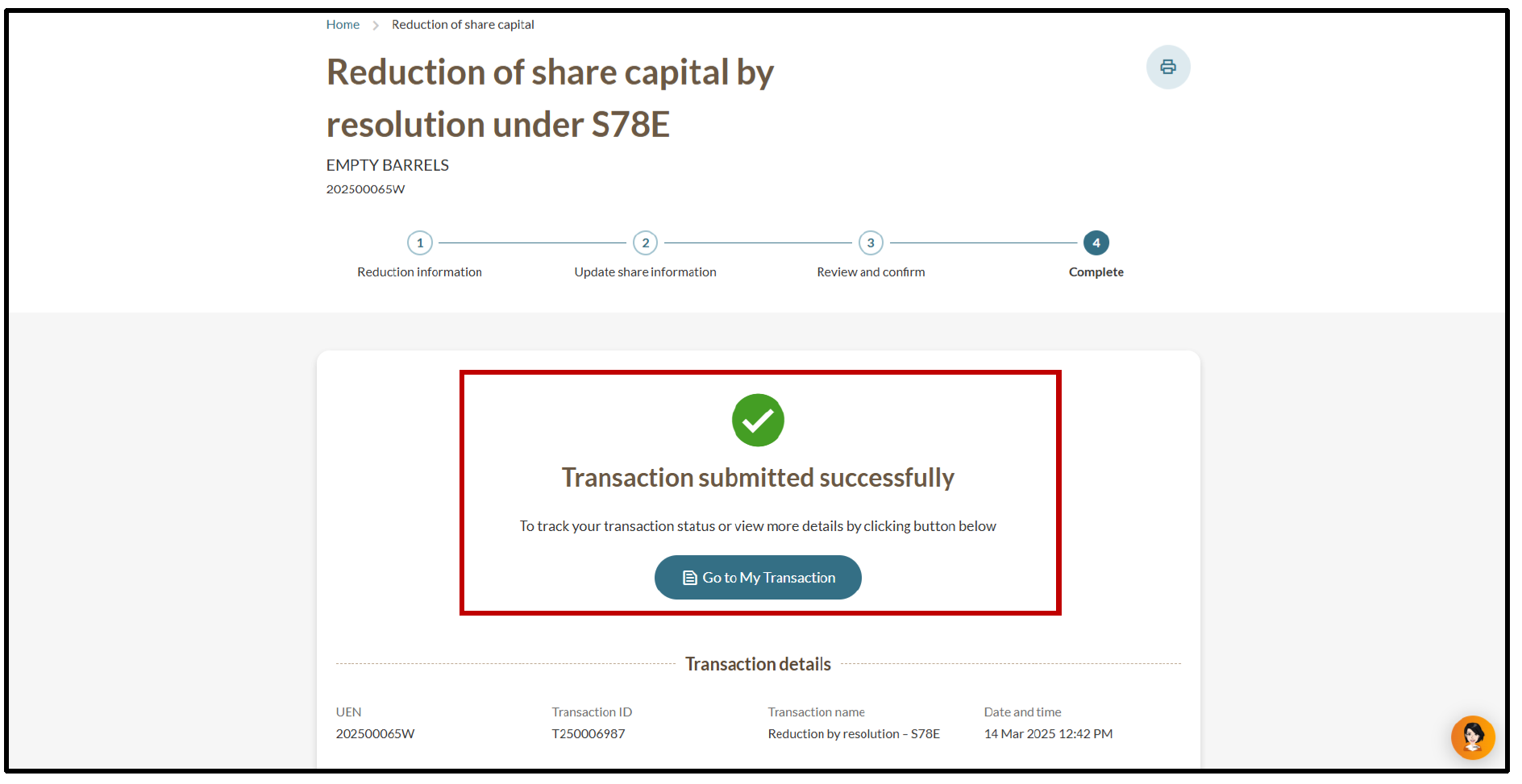
You can check the reduction in share capital immediately: