
Guide
Buying a People Profile via Bizfile
Audience
Accountants
Accounting entities
Approved liquidators
Banking and investment professionals
Business valuation professionals
Businesses
Corporate Service Providers (CSP)
Public
Training providers
Task or topic
Buy or download business information
9 December 2025
Learn how to use Bizfile to search for people and their history of businesses, roles and shareholding.
Before you buy
This guide explains how to buy a People Profile using Bizfile.
The People Profile shows:
Businesses registered to the person
Current appointments and past appointments
Shareholding amounts in businesses that the person is involved in.
Whether a person is a public accountant (requires their registration number)
What you need to prepare
You need:
The person's full name (for best results)
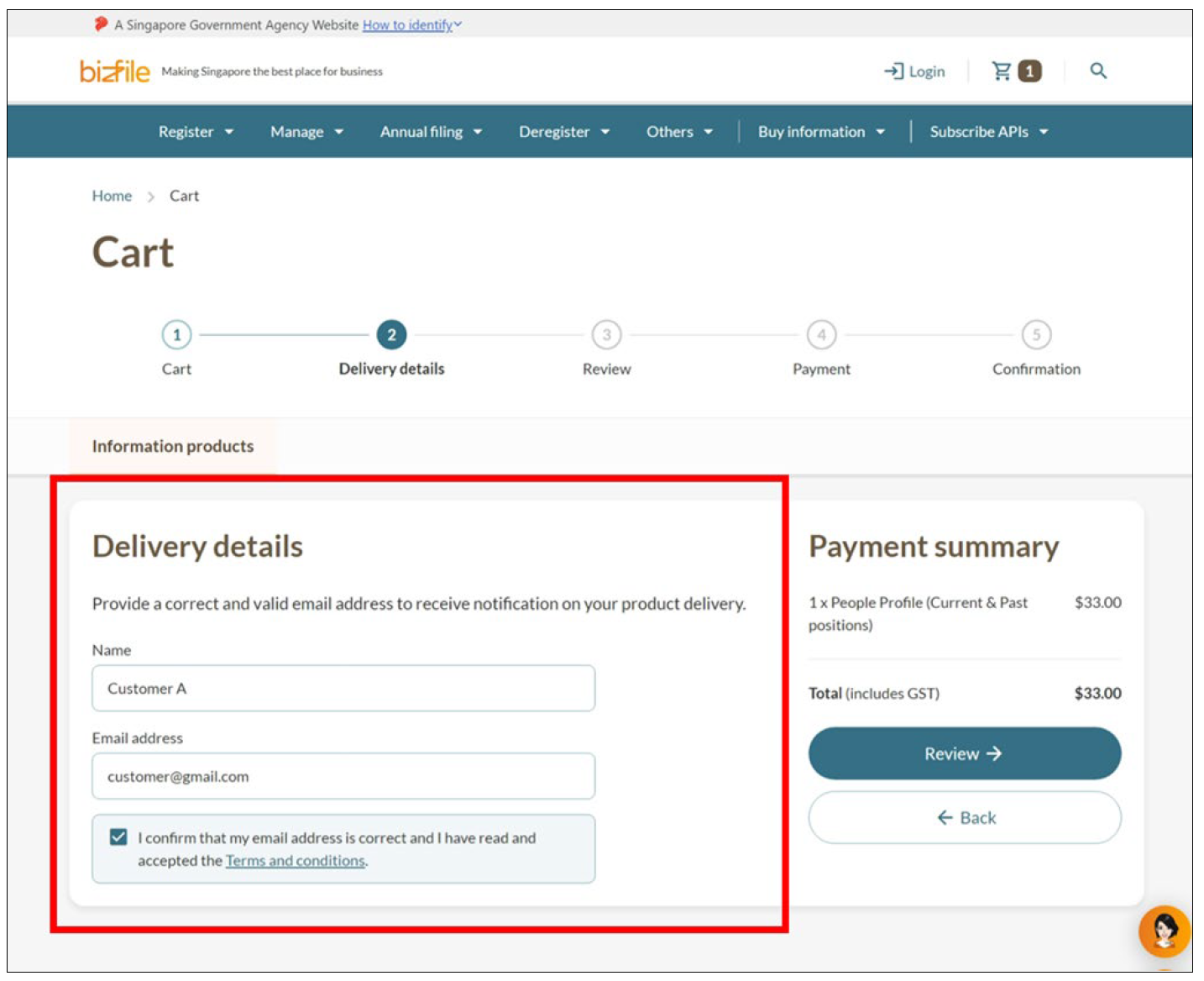
An email address to receive your purchase
Fees and processing time
Buying a People Profile
What you need to know | Details |
|---|---|
Cost | $33 |
Payment methods | Credit card, debit card, or online banking |
Processing time | Within 15 minutes |
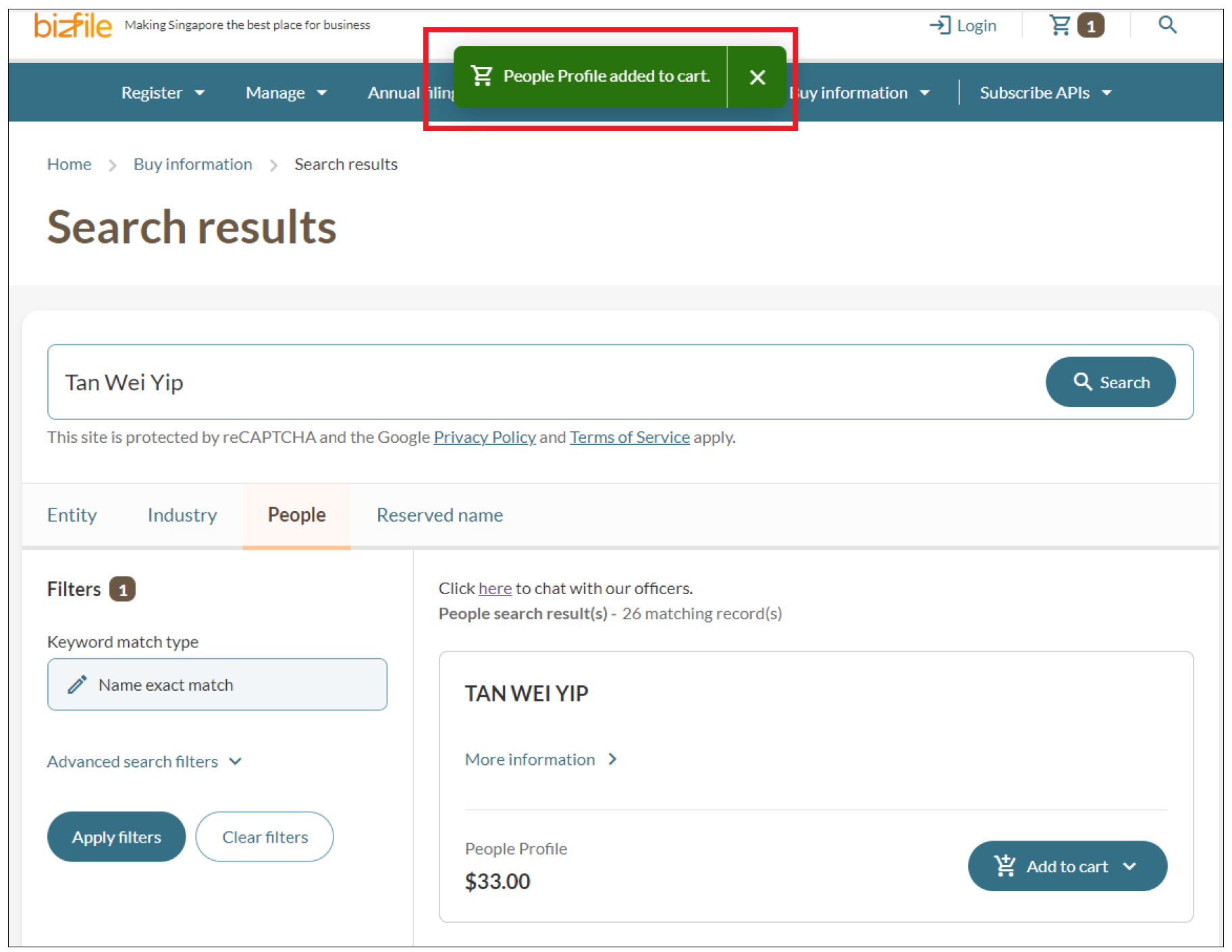
Step 1: Search for an individual
Follow these steps to search for people on Bizfile.
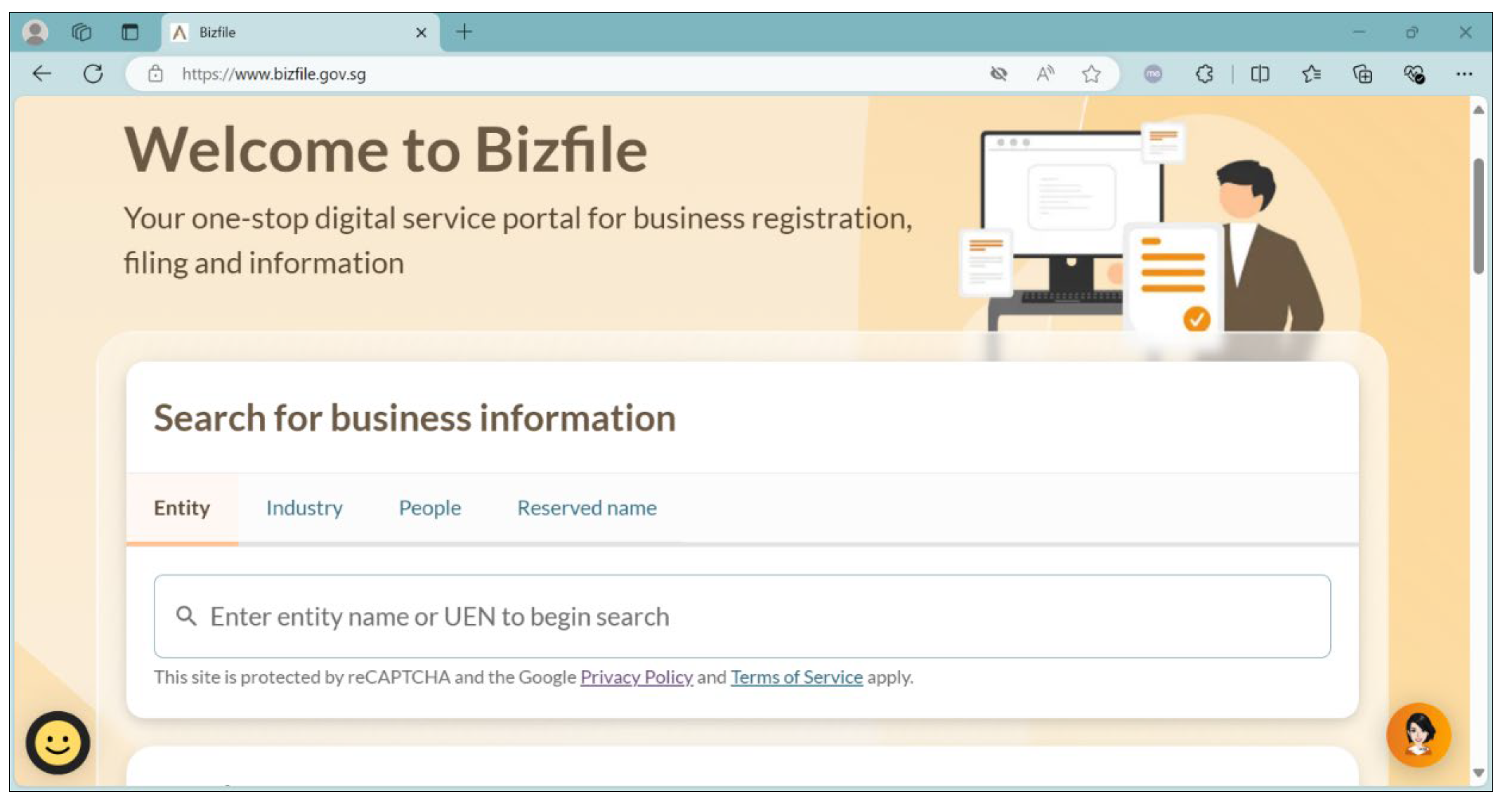
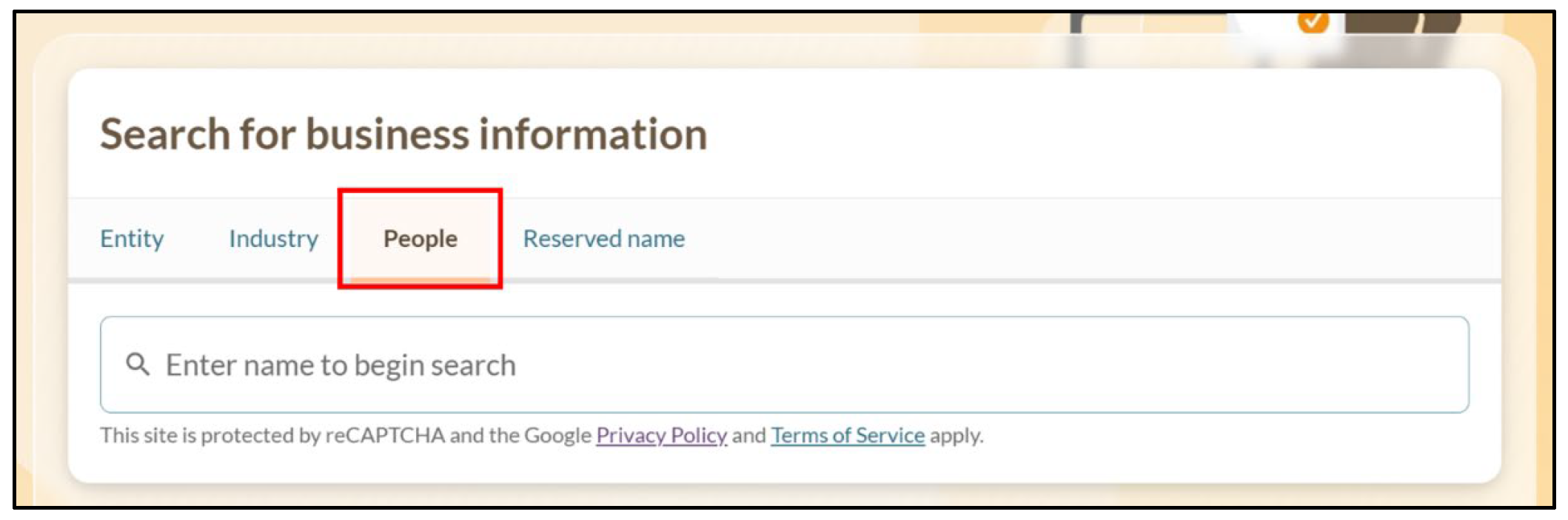
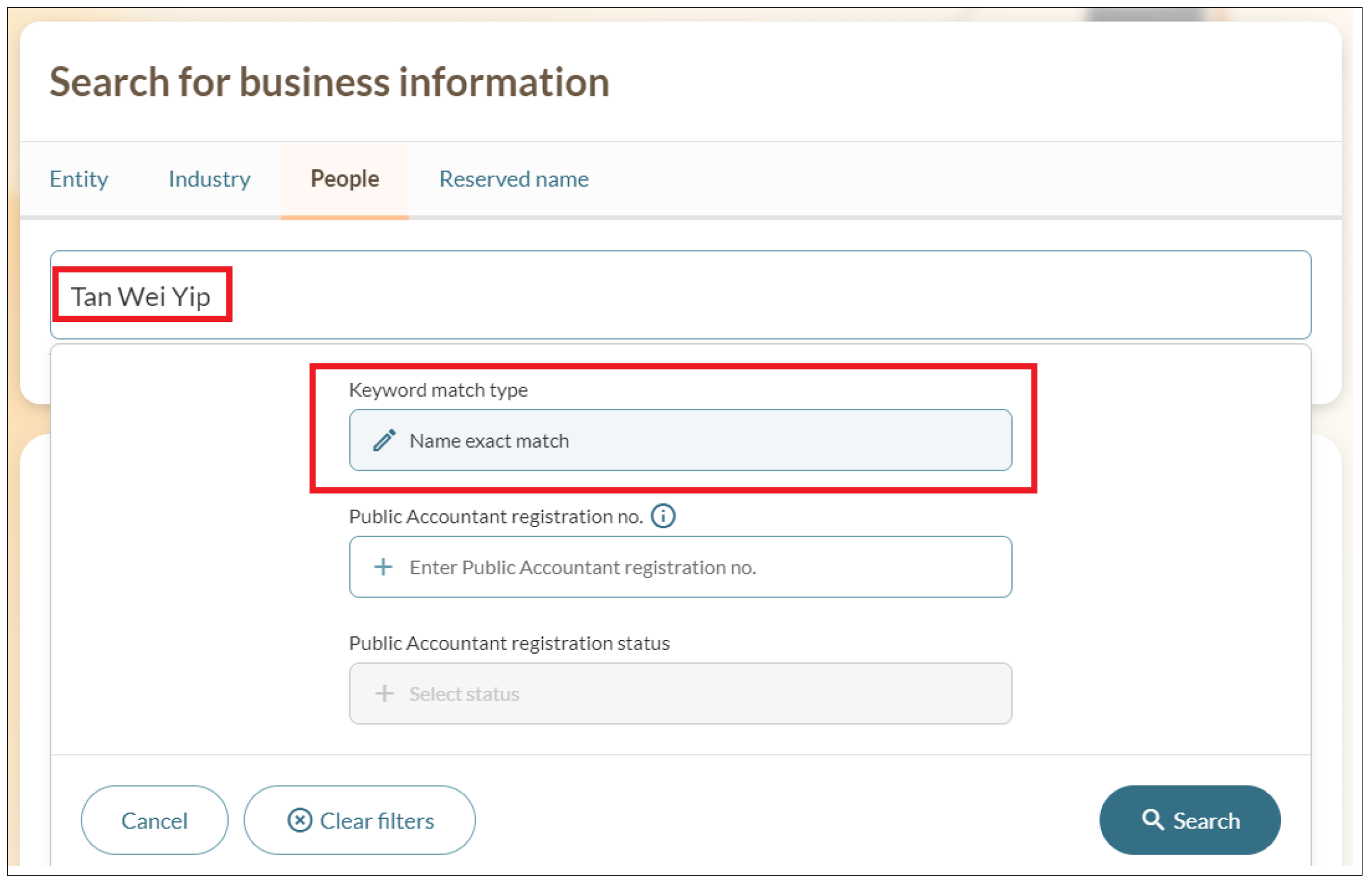
Tip: Click on “live chat” link within the search results. This support is available until further notice.
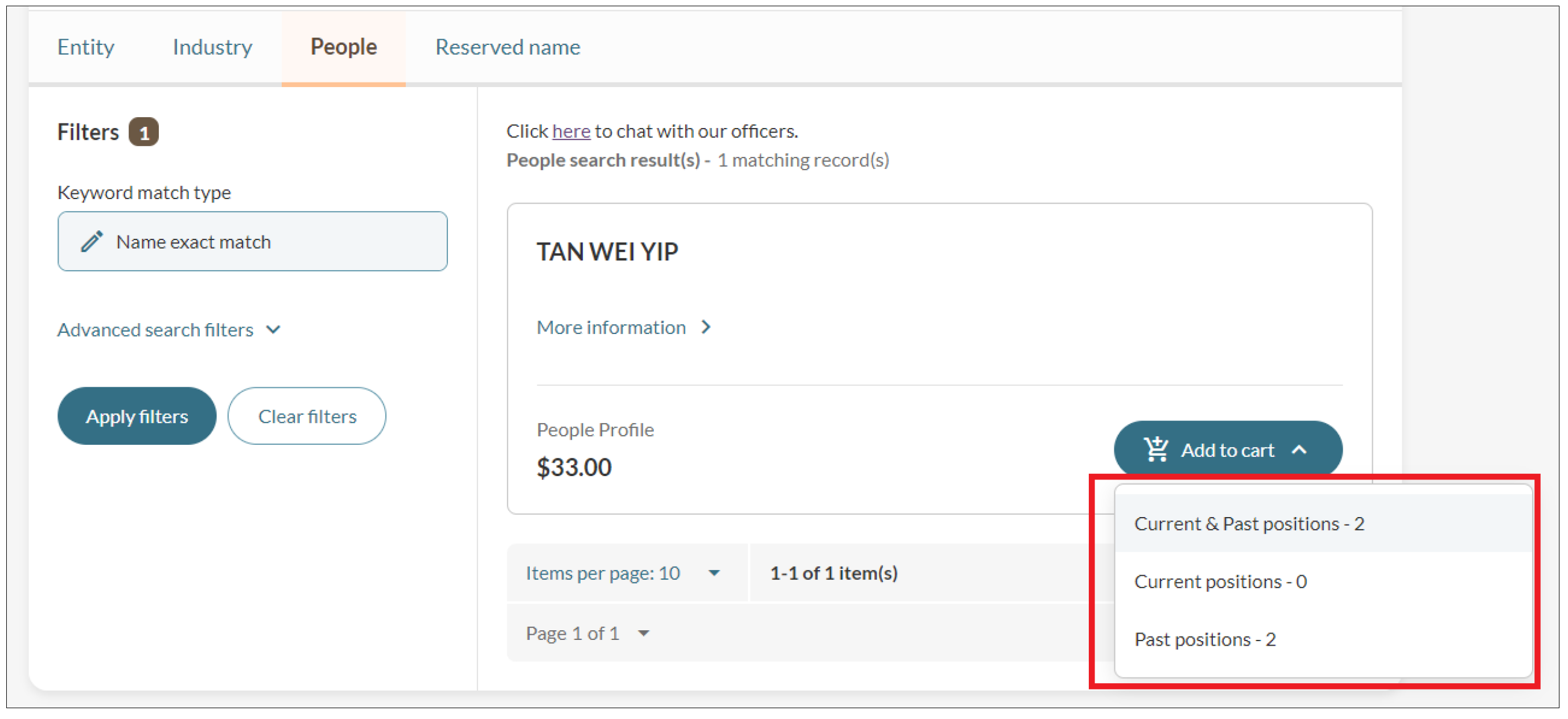
Step 2: Add to cart
Select the information you would like to buy: Current positions, past positions or both.
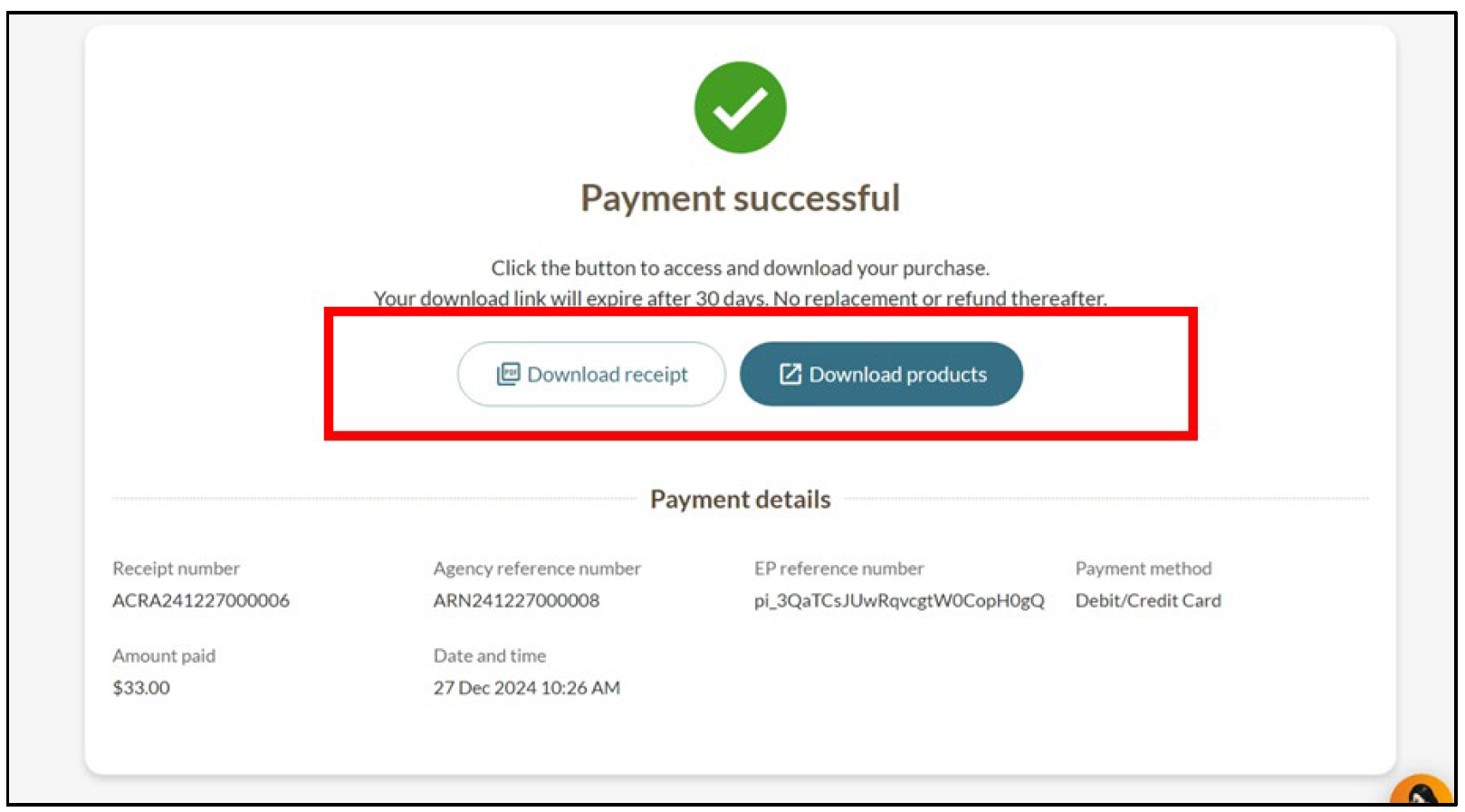
Step 3: Review your cart and pay
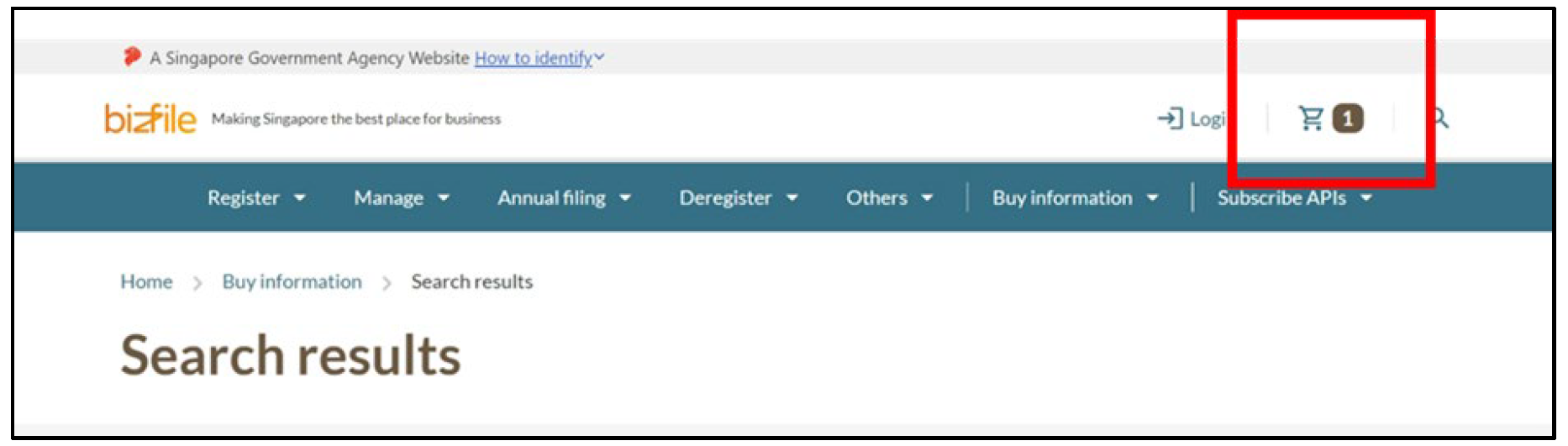
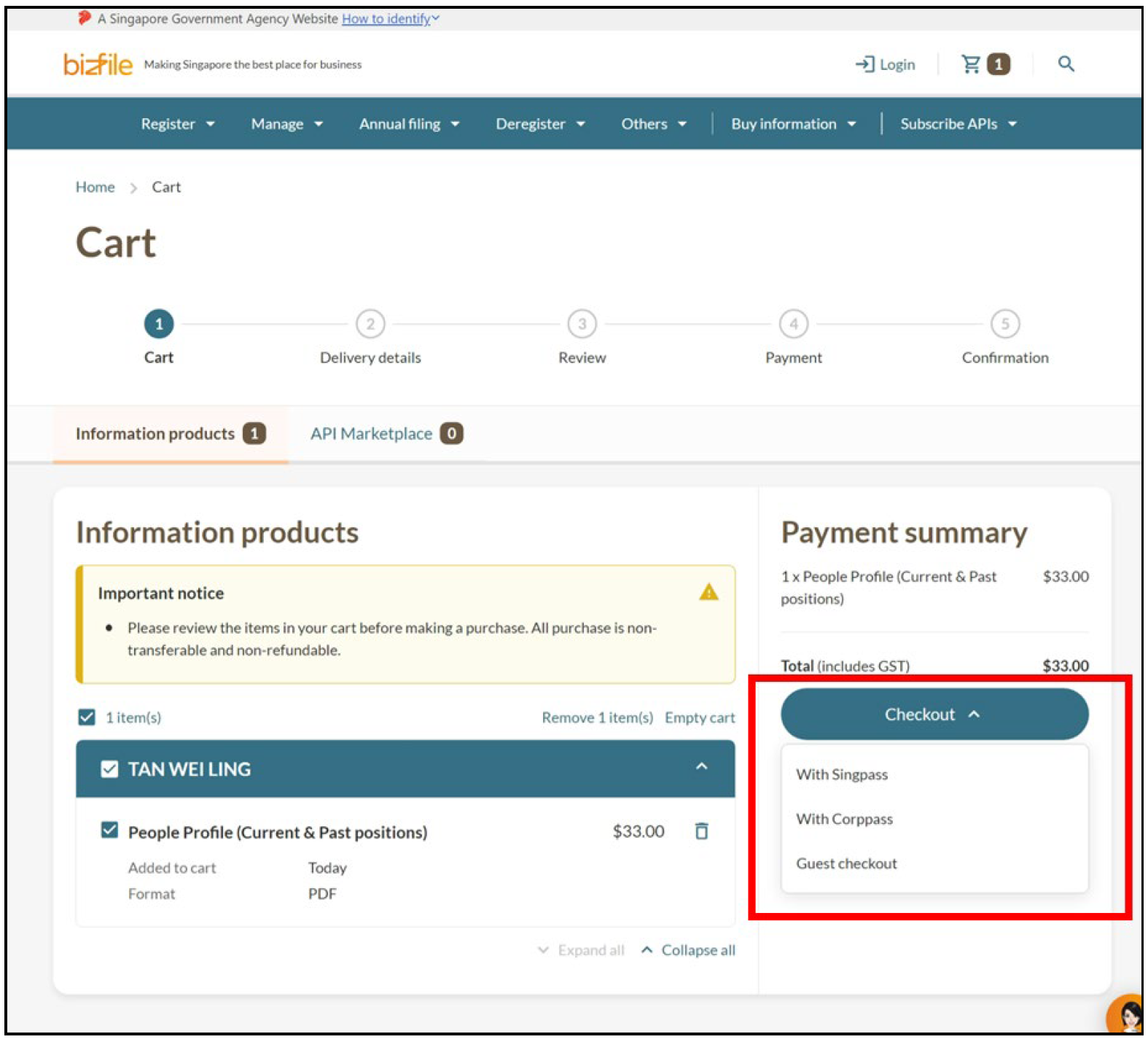
When you are ready to check out, follow these steps to make payment and download your product. You have up to 30 days to download your product.
Frequently asked questions (FAQs)
What can I do if I do not have the person's identification (ID) number?
If you know the name of the business the person is associated with, you can:
Use entity search to find the business.
Buy a Business Profile of that business. This includes the directors' and shareholders' ID numbers.
What should I do if multiple records appear for the same name?
If you see multiple records for the same name, you have two options.
If multiple records appear for the same name:
Options | Details |
Use entity search to identify someone in a specific entity |
|
Use position counts to identify the right person |
|
If you need help identifying the right profile:
Click the live chat link on the search results page.
Provide the person's full name and ID number (NRIC or FIN).
Why do I keep seeing "Suspicious attempt detected" when I search?
This alert message is triggered by our security measures to protect the system.
If you continue to see this message, try:
Using a different browser
Using a different device
Why is the Bizfile search function slower than usual?
This may be due to security measures that protect our system from automated attacks.
The measures verify that you are a real person before allowing you to search.