Guide
Buying a Business Profile via Bizfile
Audience
Accountants
Accounting entities
Approved liquidators
Banking and investment professionals
Business valuation professionals
Businesses
Corporate Service Providers (CSP)
Public
Training providers
Task or topic
Buy or download business information
9 December 2025
Buy Business Profiles as a guest, or log in to access additional features and track your order history.
Before you buy
This guide explains how to buy a Business Profile using Bizfile.
What you need to prepare
Entity name or unique entity number (UEN)
An email address to receive your purchase
Fees and processing time
Buying a Business Profile
What you need to know | Details |
Cost | $5.50 Note: There are no refunds for incorrect purchases. |
Payment methods | Credit card, debit card, or online banking |
Processing time | Within 15 minutes |
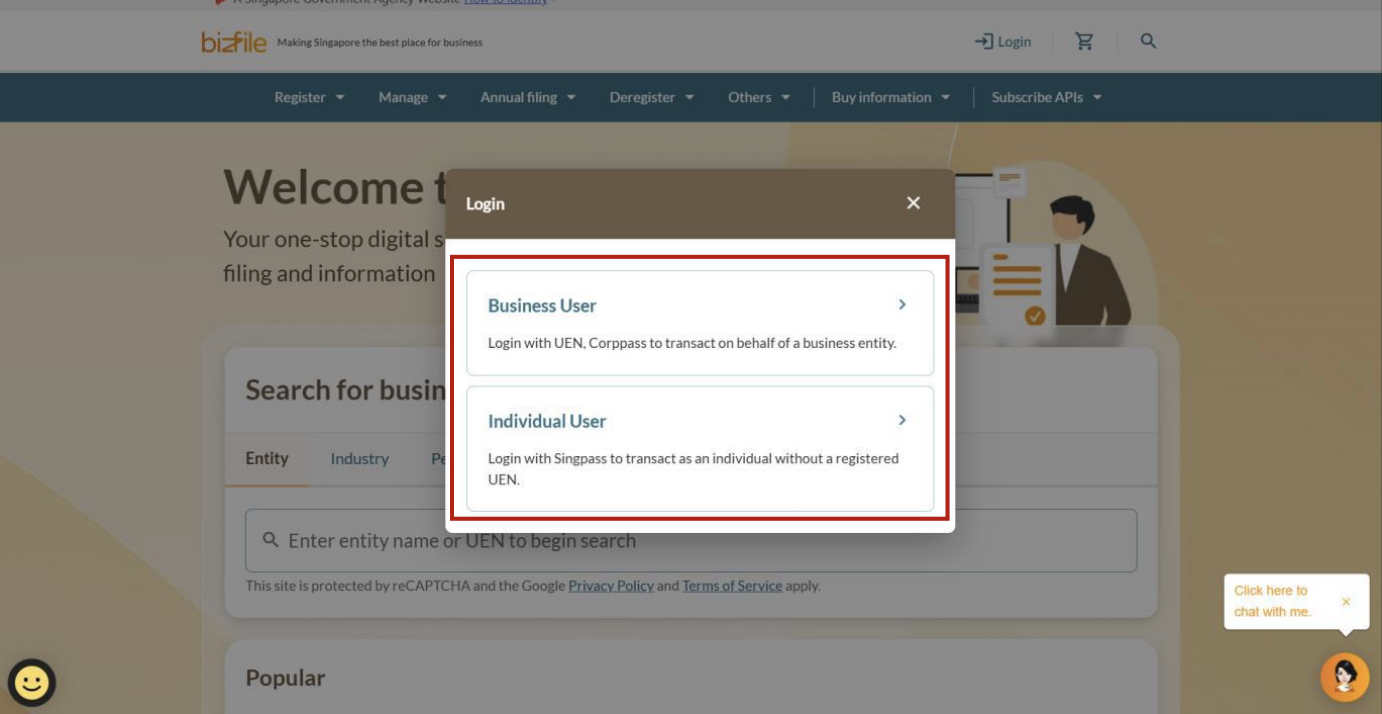
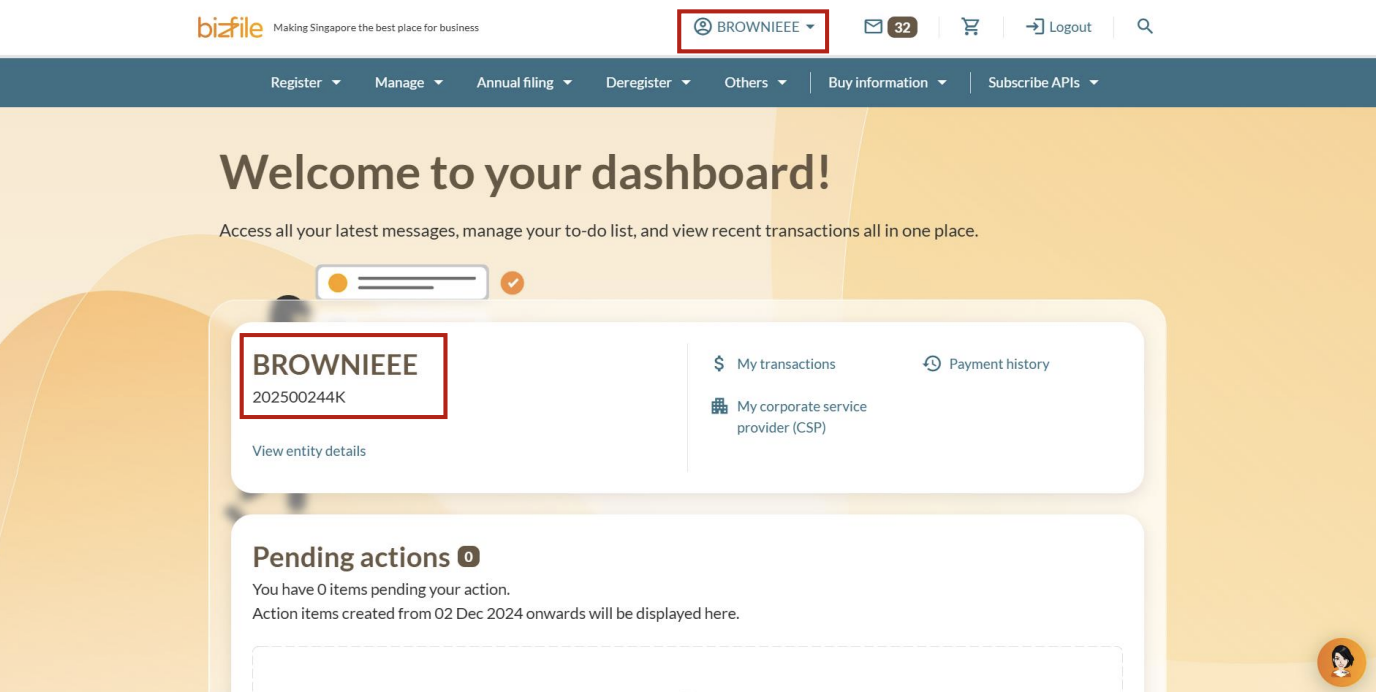
(Optional) Log in to Bizfile
You can choose to buy your Business Profile as a guest or after logging in to Bizfile. If you log in, you can access additional features and track your purchase history.
Step 1: Find the business entity and add its profile to your cart
Use Bizfile's entity search to find the business by its entity name or unique entity number (UEN). Then, add its profile to your cart.
Note: All entity and personal information (including UEN, entity details, NRIC or FIN numbers, names and addresses) shown are dummy data for illustration purposes only.
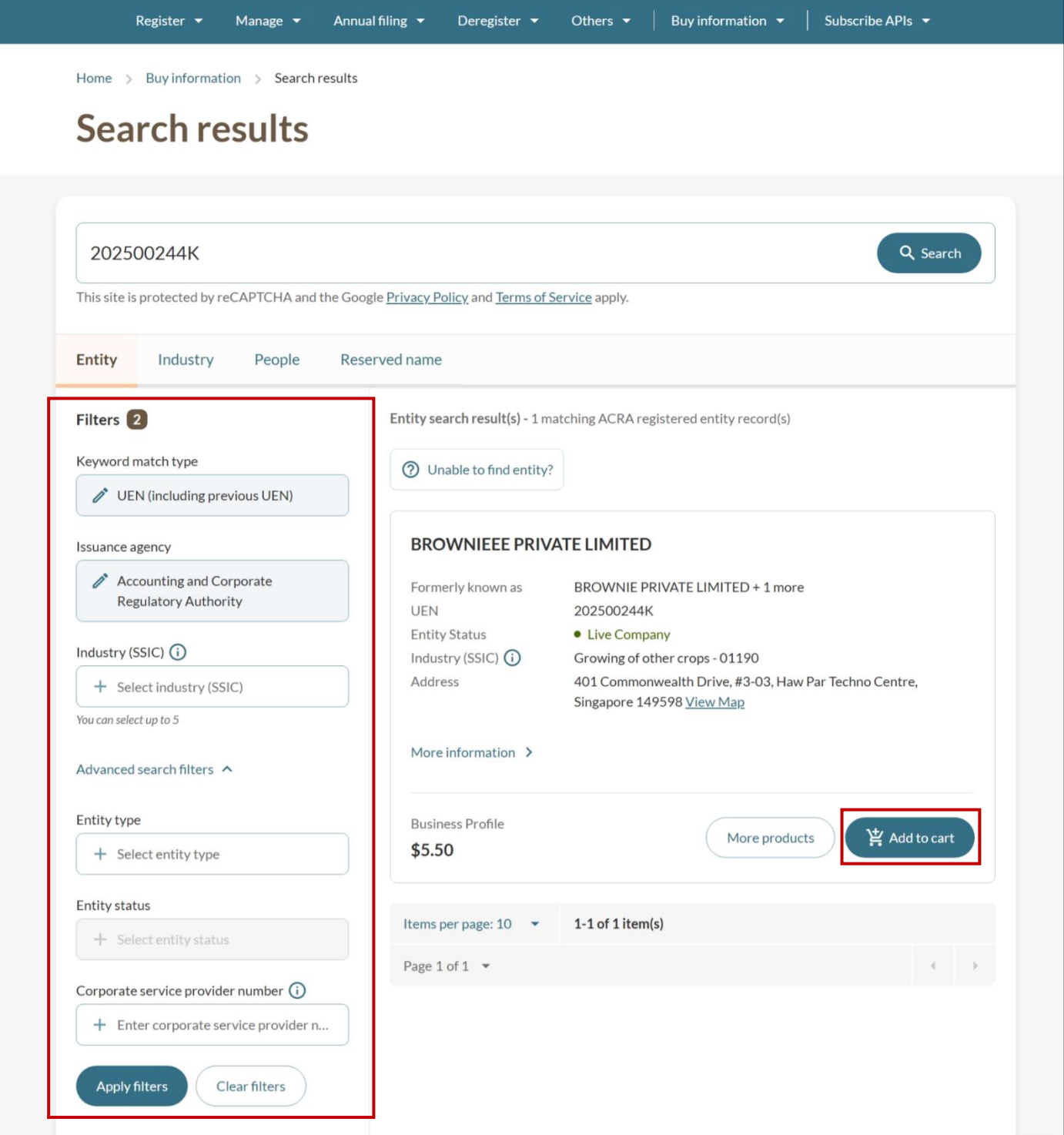
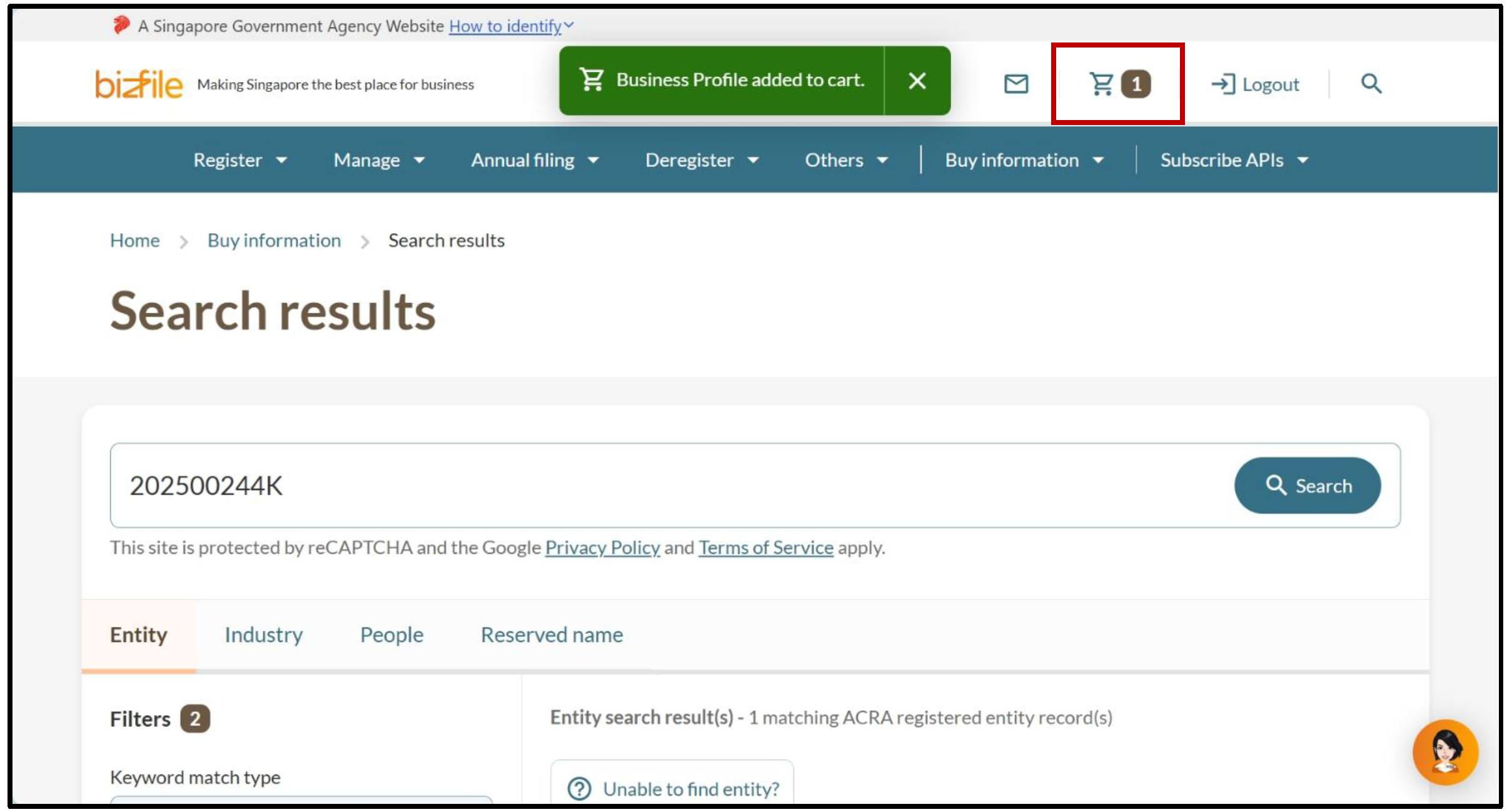
On the search results page, click "Add to cart" for the profile you wish to purchase. Use the filters in the left panel to further refine your search, if needed.
Note: Business Profiles are available for all registered entities, including those with non-live status (such as "Terminated" and "Struck Off").
These profiles, however, will show limited information. For example, ceased entities will not show entity addresses.
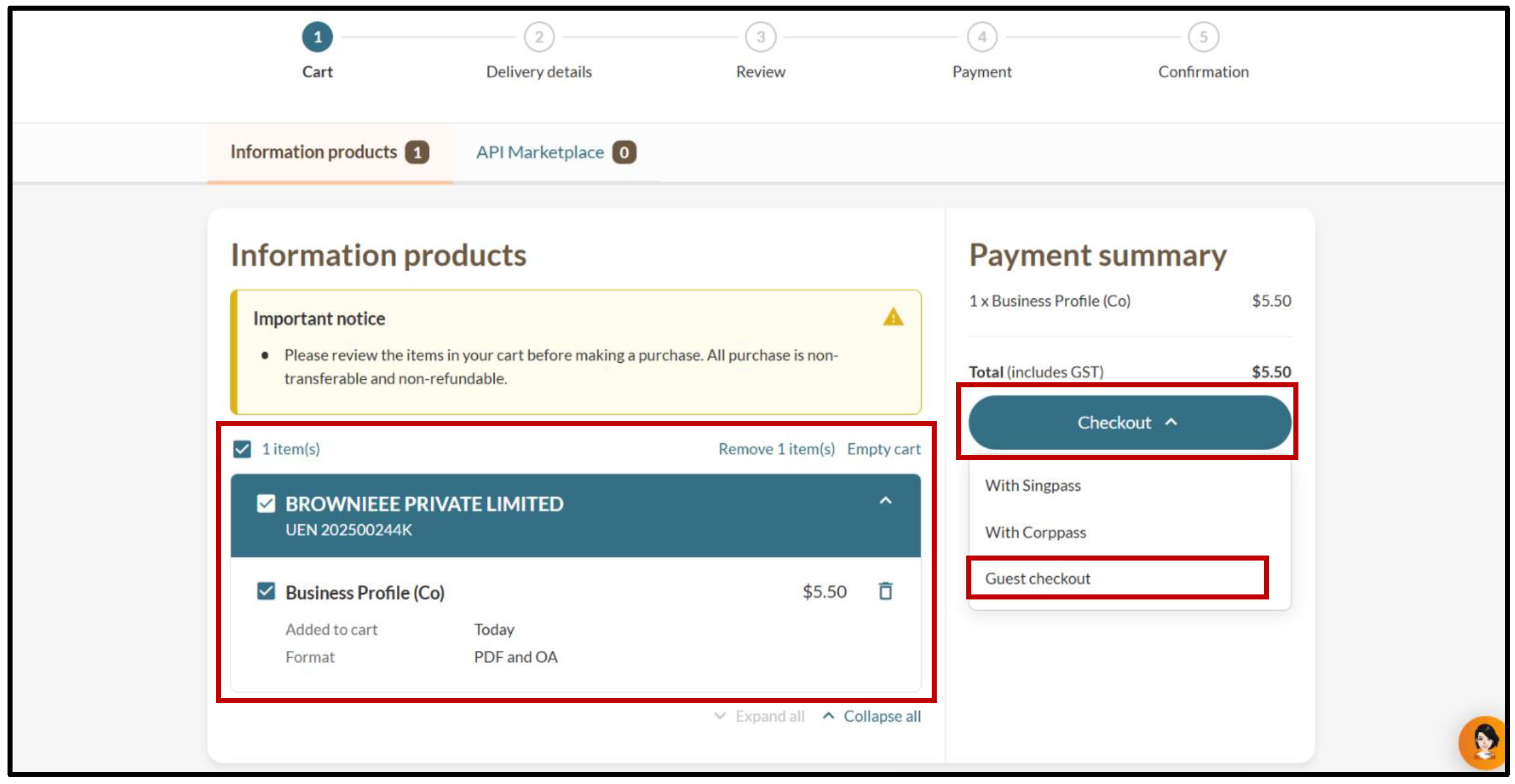
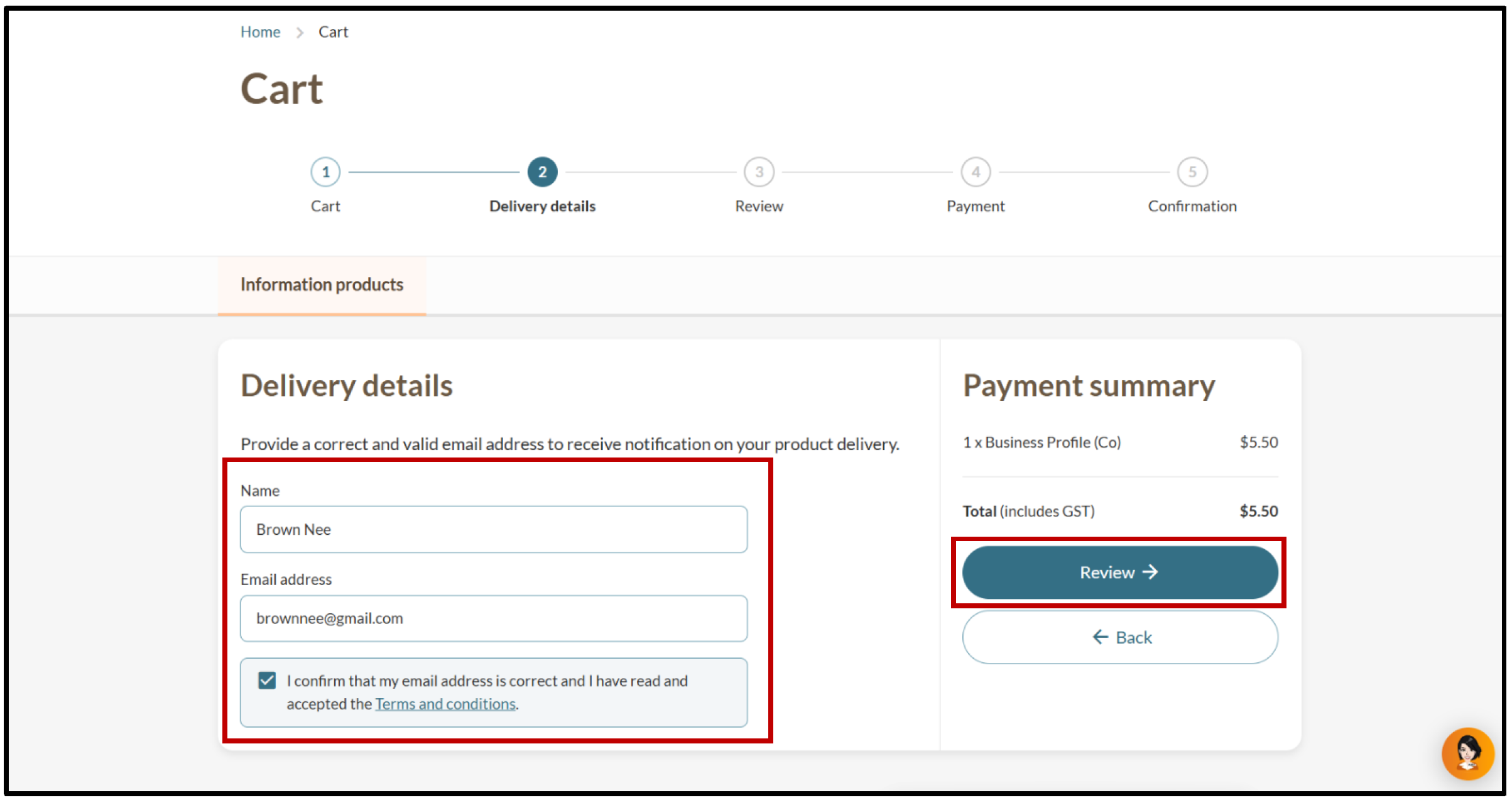
Step 2: Make payment as a guest or after logging in
When you are ready to check out, follow these steps to make payment.
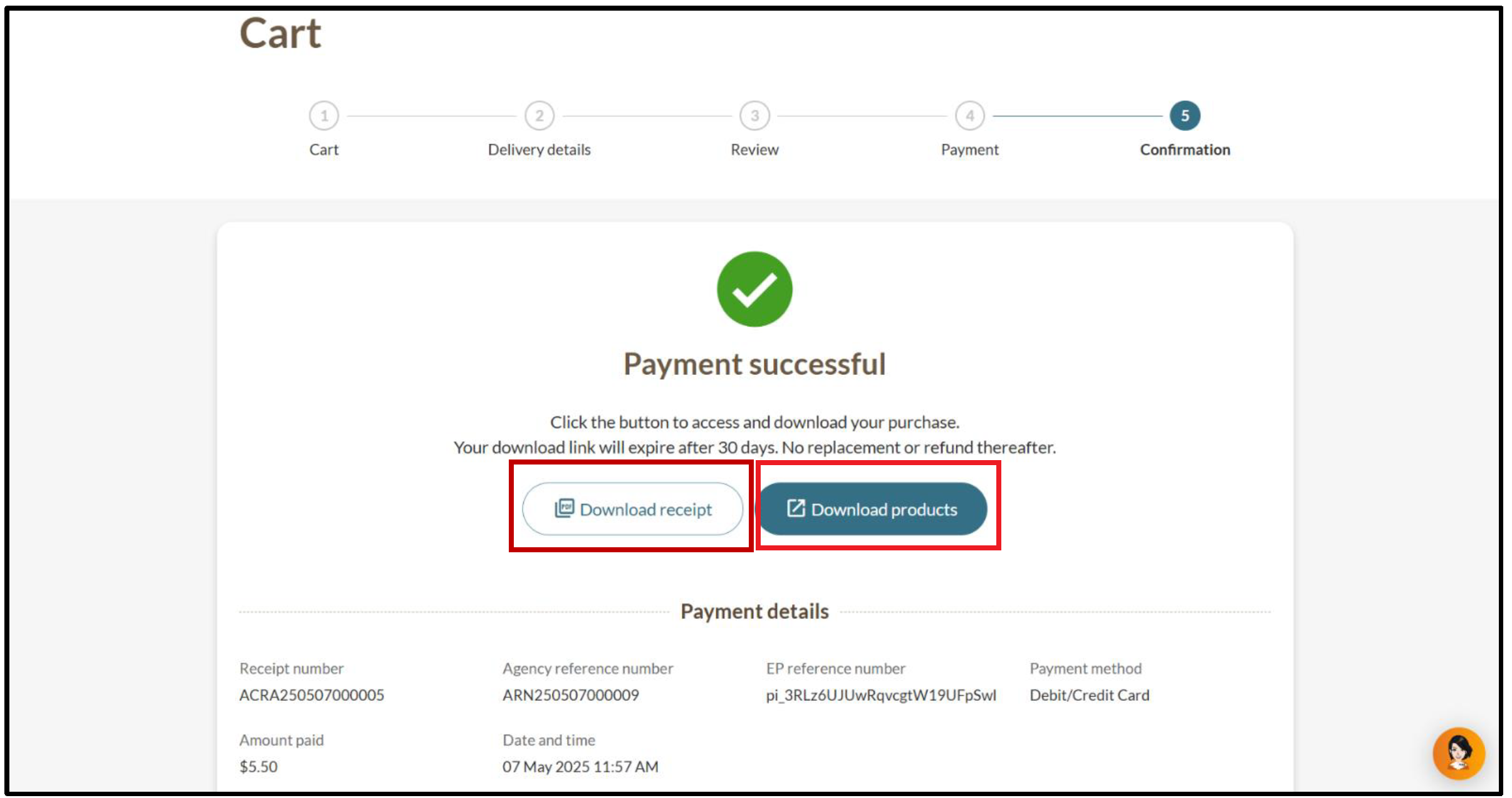
After you buy the profile
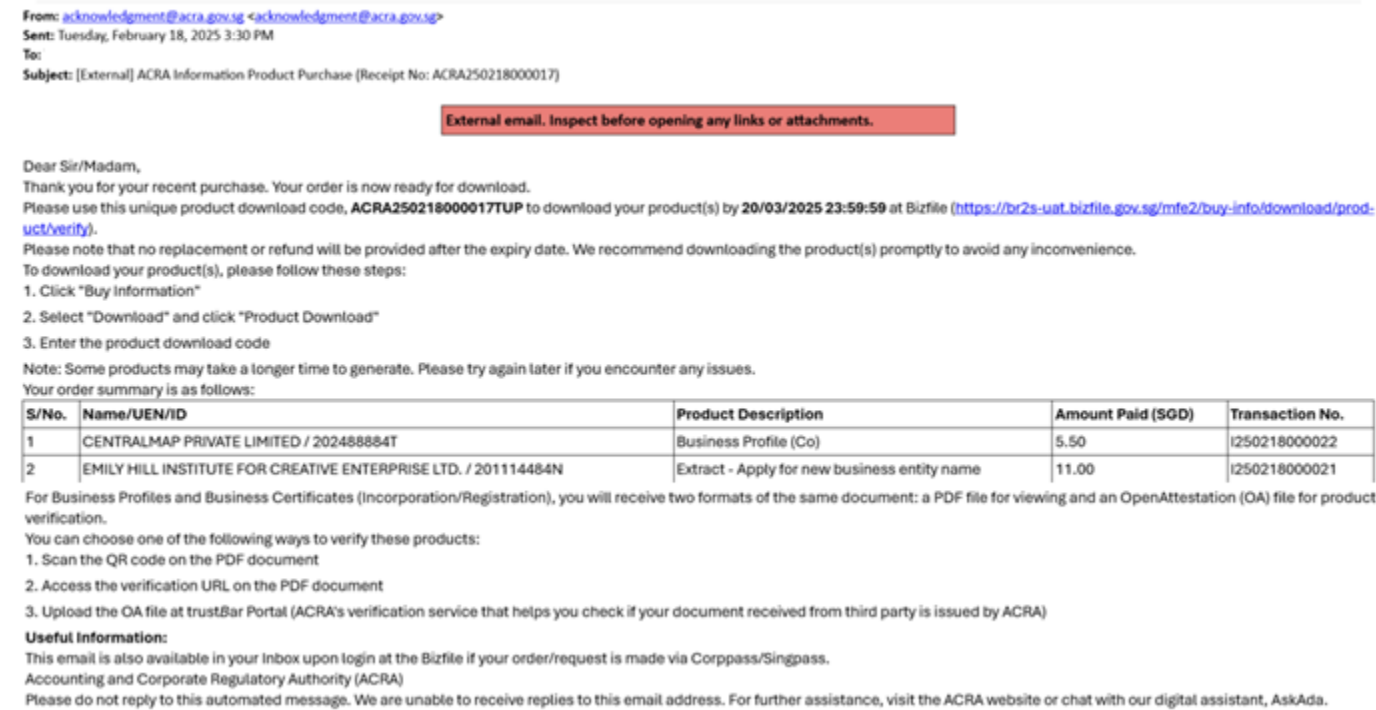
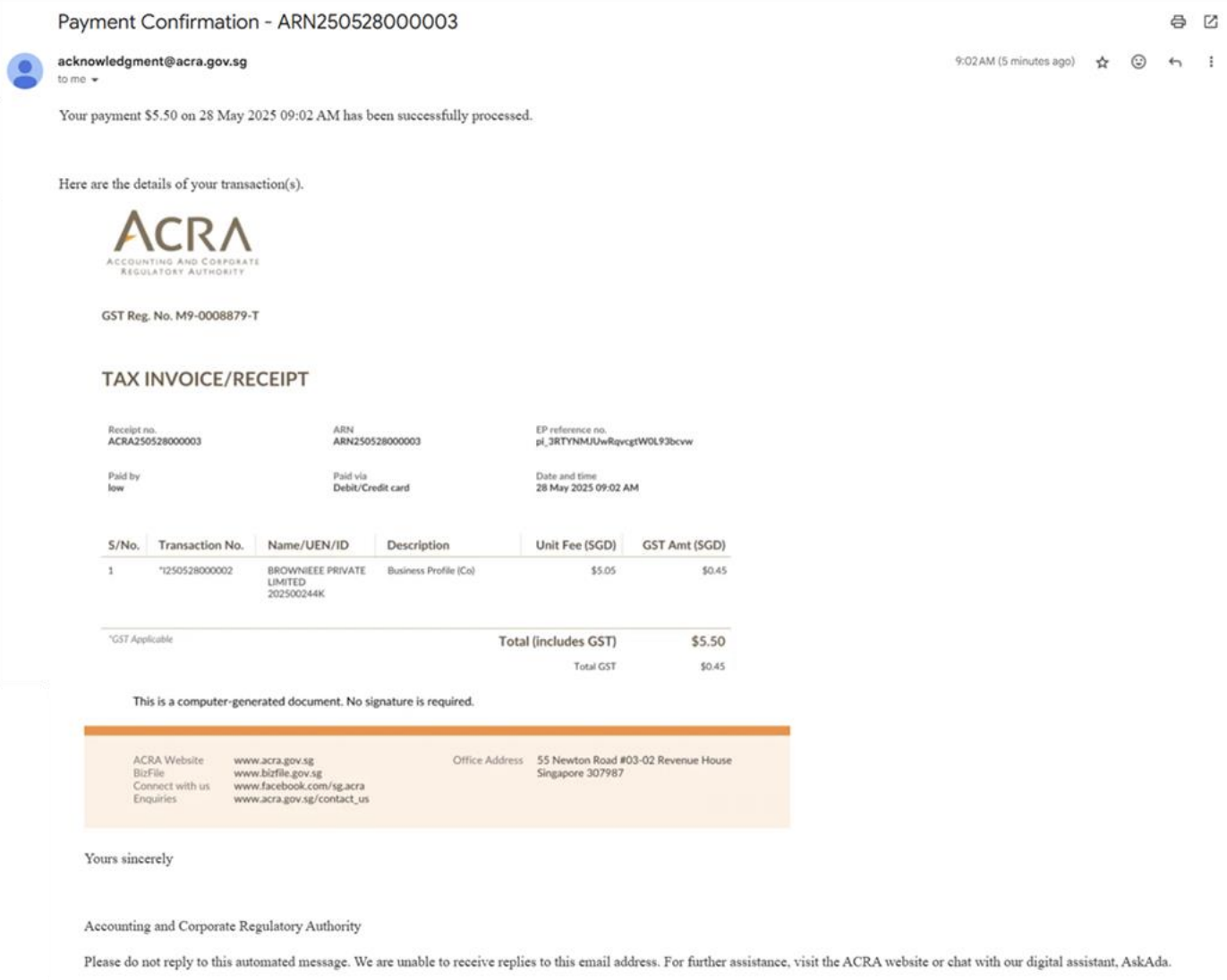
You will receive two emails at your registered email address.
The first email contains your purchase details and instructions for downloading your Business Profile. The second email contains your receipt.