
Step 3: Using Bizfile to register as a corporate service provider (CSP)
Learn how to register as a CSP in Singapore through Bizfile.
Last updated 29 January 2026
On this page
Before you register
This guide explains how to register as a CSP via Bizfile. This allows you to file transactions on behalf of your clients.
Who may register
You may register as a CSP if you:
Meet all of the CSP registration requirements
Are a representative of the CSP (sole proprietor, partner, or director)
What you need to prepare
Prepare the following information:
Types of corporate services provided
Nature of business
Identification (ID) type and number of each registered qualified individual (RQI) you will allot
Mandatory training and proficiency test records for your representative
Fees and processing time
CSP registration
What you need to know | Details |
Fees | $400 for two years This fee is non-refundable, even if:
Note: You must renew your registration before it expires. |
Payment method | Credit card, debit card, or online banking |
Processing time | ACRA will process most applications within 30 working days. We will notify you if more time is needed. |
How to register as a CSP
Open the Register as corporate service provider eService and log in.
Complete the required information.
Declare that you meet the "fit and proper" requirements.
Submit your filing.
Pay the fee.
Get RQI endorsements, if applicable
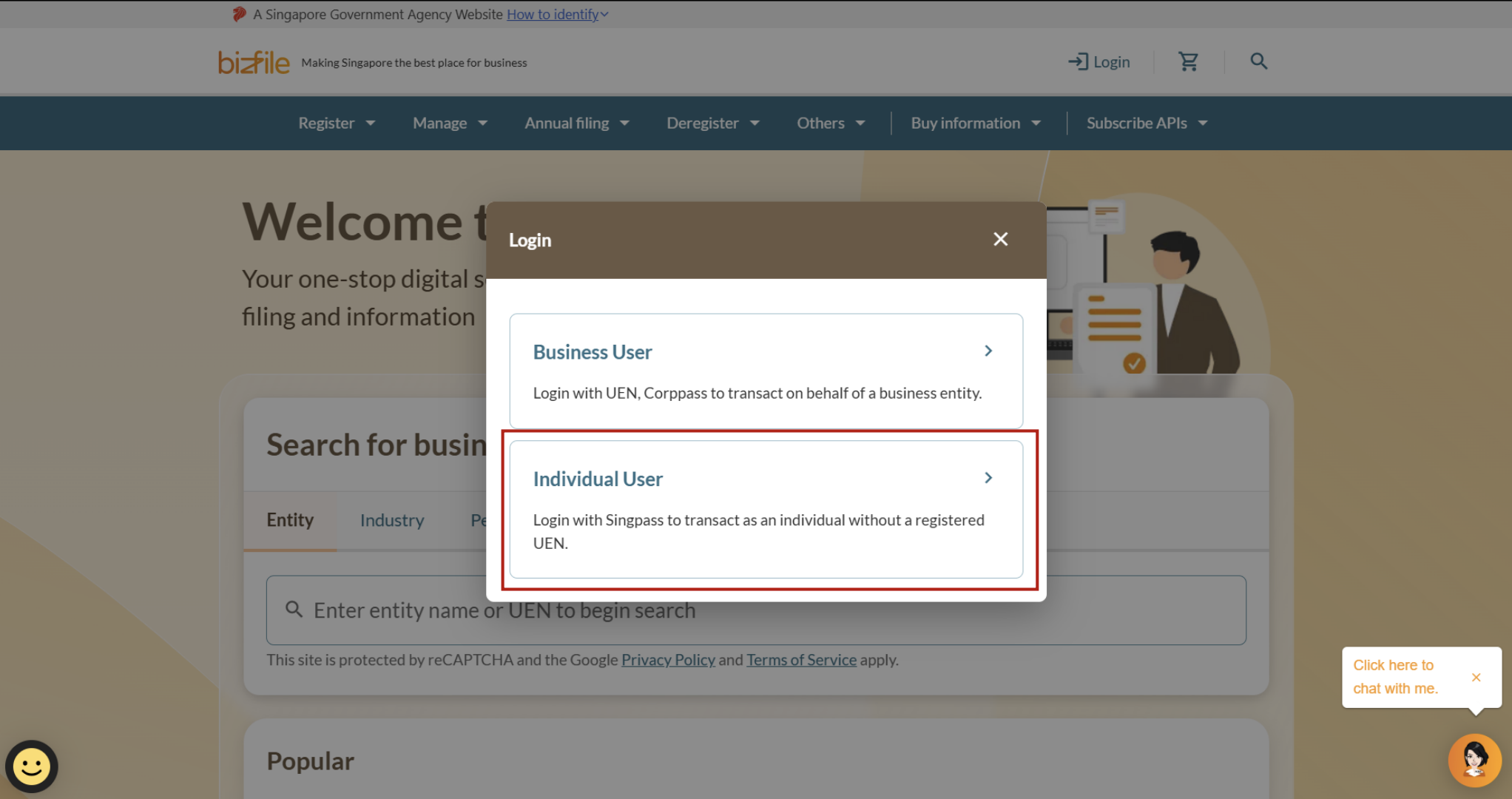
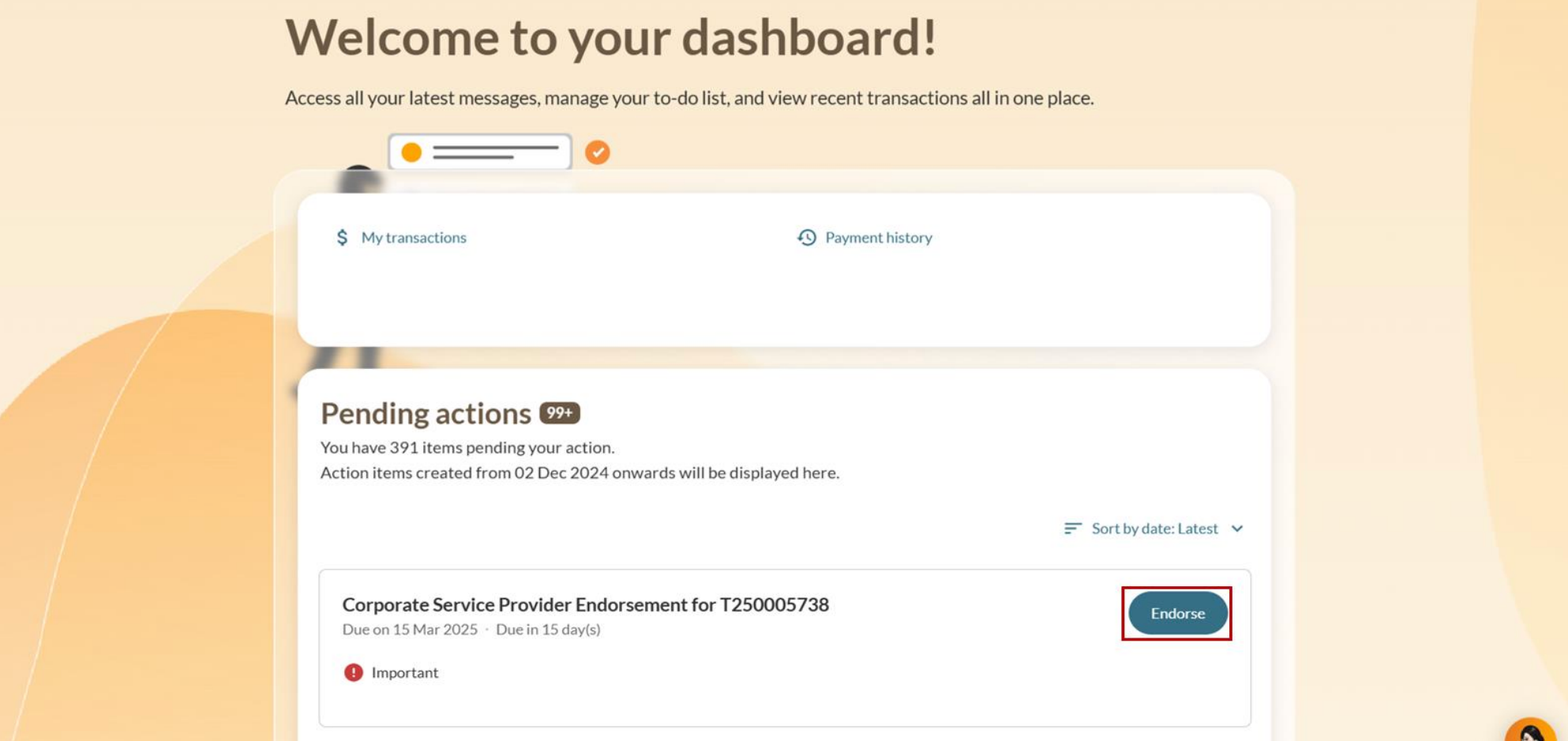
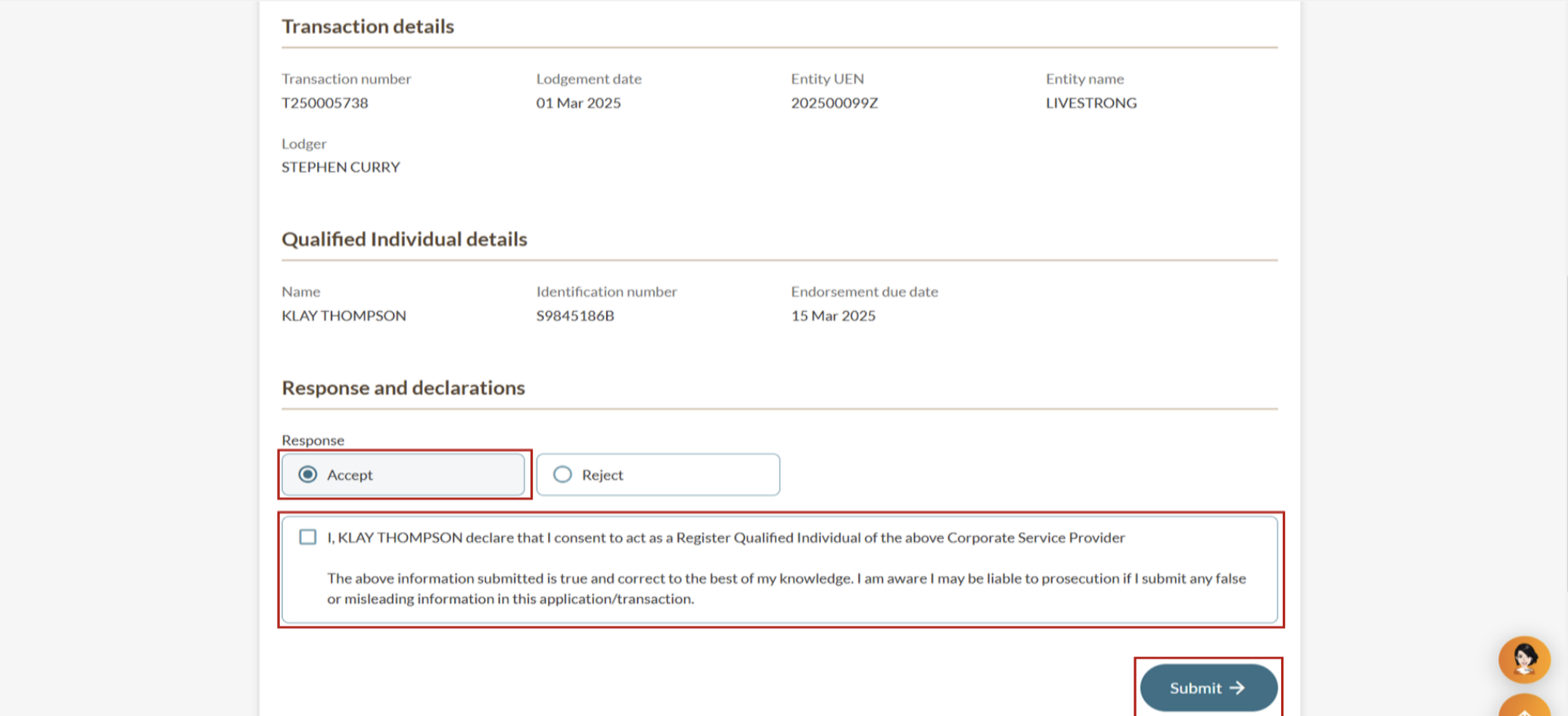
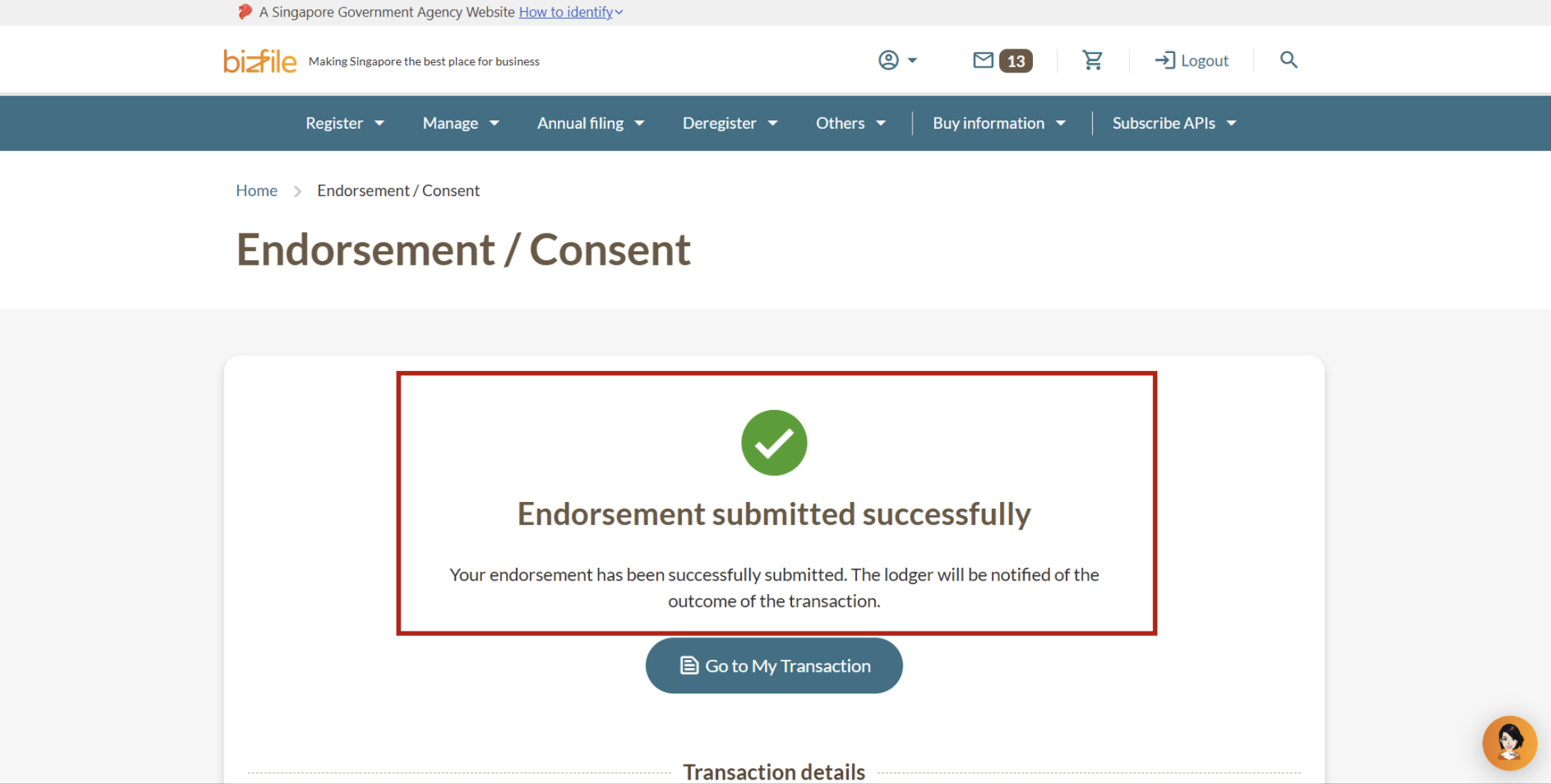
After you pay the fee, all appointed RQIs must endorse their appointment, except for the RQI who submitted the application.
Example: If you appoint three RQIs and one submits the application, the other two RQIs must give their endorsement.
After you register: Review and approval
ACRA will review your application before approval.
What to expect
Stage | Details |
|---|---|
ACRA review | ACRA will review:
|
ACRA approval | You will receive a unique CSP number. Tip: To file for your clients, log in to Bizfile via Corppass and select the corporate service providers profile. You must add your CSP clients before you can file for them. |