
Applying for an extension of time (EOT) to hold an AGM
Apply for a 60-day extension to hold your annual general meeting (AGM) if your company cannot meet its due date.
Last updated 31 January 2026
On this page
Before you apply
This guide explains how to apply for a 60-day EOT if your company cannot hold an annual general meeting (AGM) by the due date.
You are advised to apply for an EOT at least 14 working days before your due date. EOT applications cannot be submitted online once the due date has passed.
Who may apply
Only companies that must hold an AGM can file for an EOT via Bizfile.
A company secretary or director may file an EOT. You can also engage a corporate service provider (CSP) to file on your company's behalf.
What you need to prepare
Unique entity number (UEN)
Financial year end (FYE) date
If you need to change your FYE, please update it before you apply for an EOT.
Reason for extension
Supporting documents (in PDF format), such as:
A director's letter to request an extension and explain the delay
A director's letter to explain auditor changes between the FYE date and annual return due date
Correspondence from your auditor to explain the delay and estimate when they can finish the audit
Any comments by SGX on the application (for listed entities)
Note: Ensure your file names only include alphanumeric characters (letters A-Z, a-z and numbers 0-9). Do not include spaces, special characters (such as ., @, #, $, %, &, *), or foreign language characters in the filename.
Fees and processing time
EOT for AGM
What you need to know | Details |
|---|---|
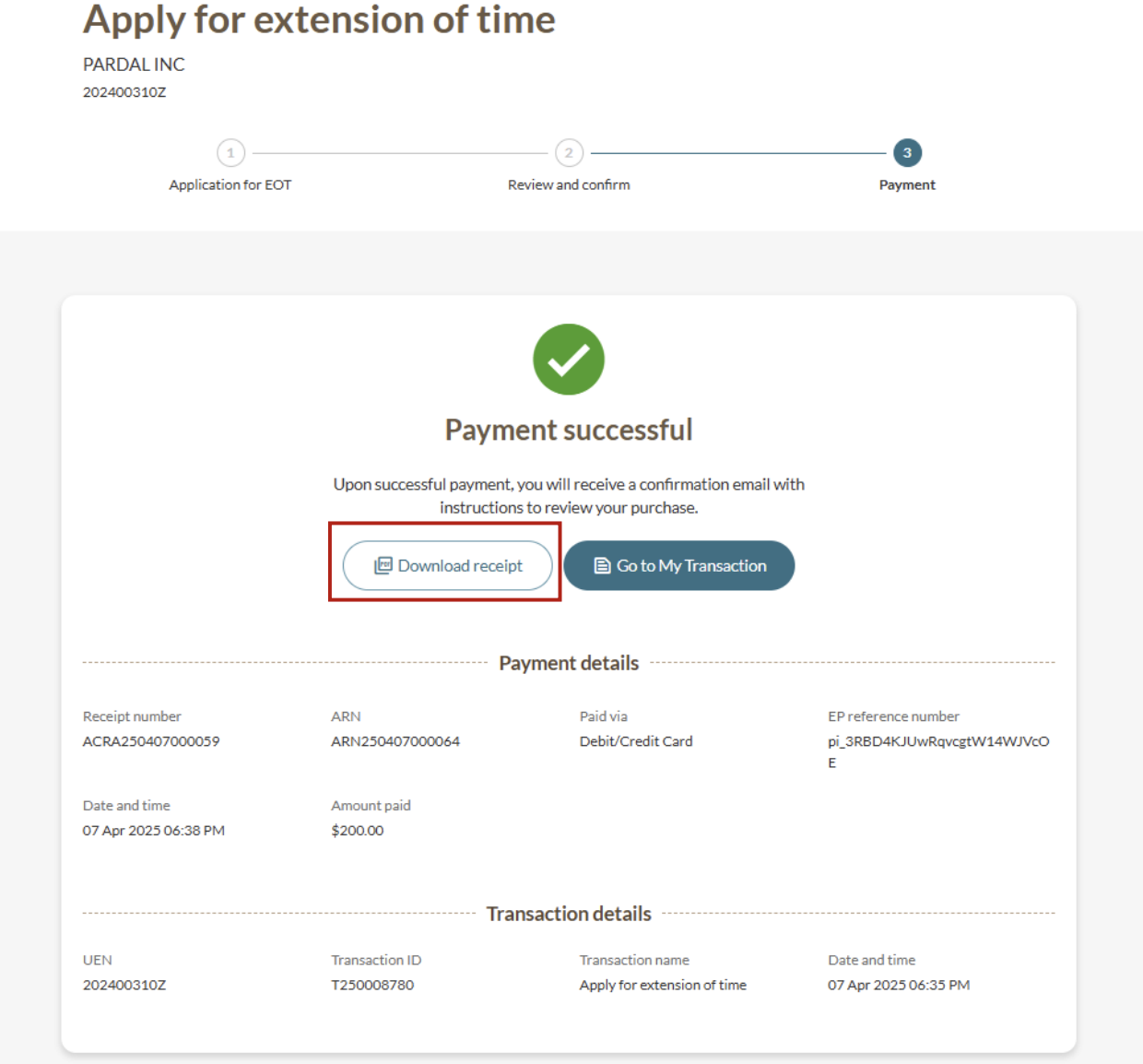
Fees | $200 Note: This fee is non-refundable, even if the application is withdrawn, rejected, or appealed. |
Processing time | The processing time depends on your company type:
Some cases may take longer. This depends on:
Tip: Submit your application at least 14 working days before your AGM due date. |
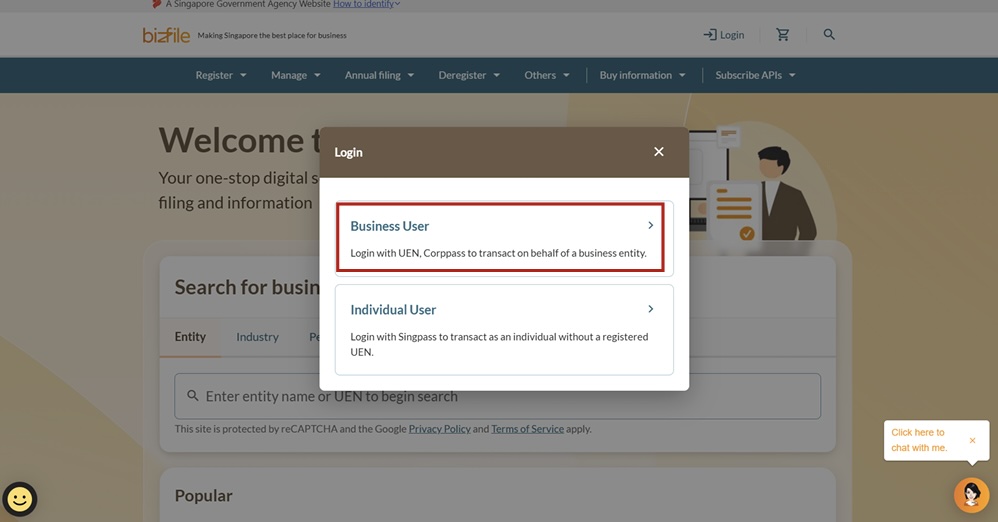
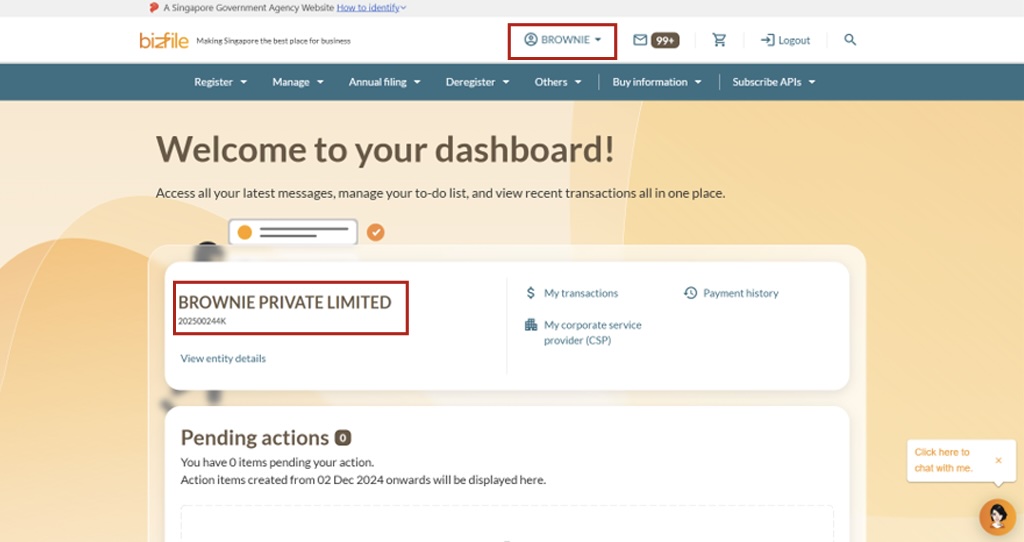
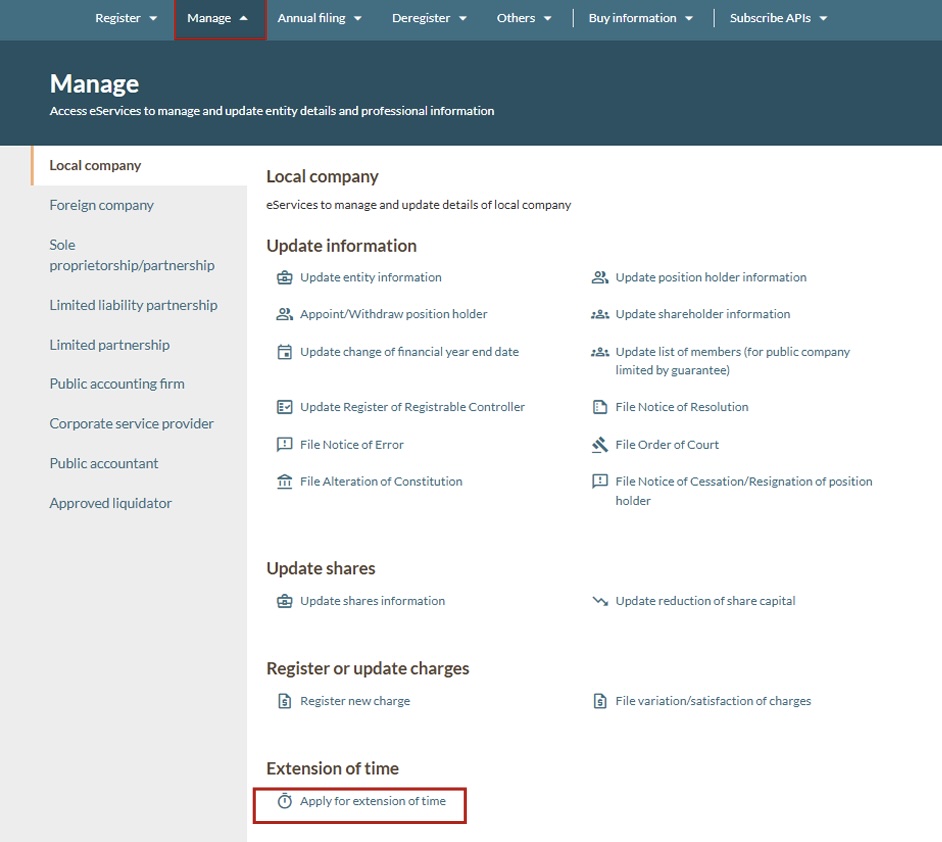
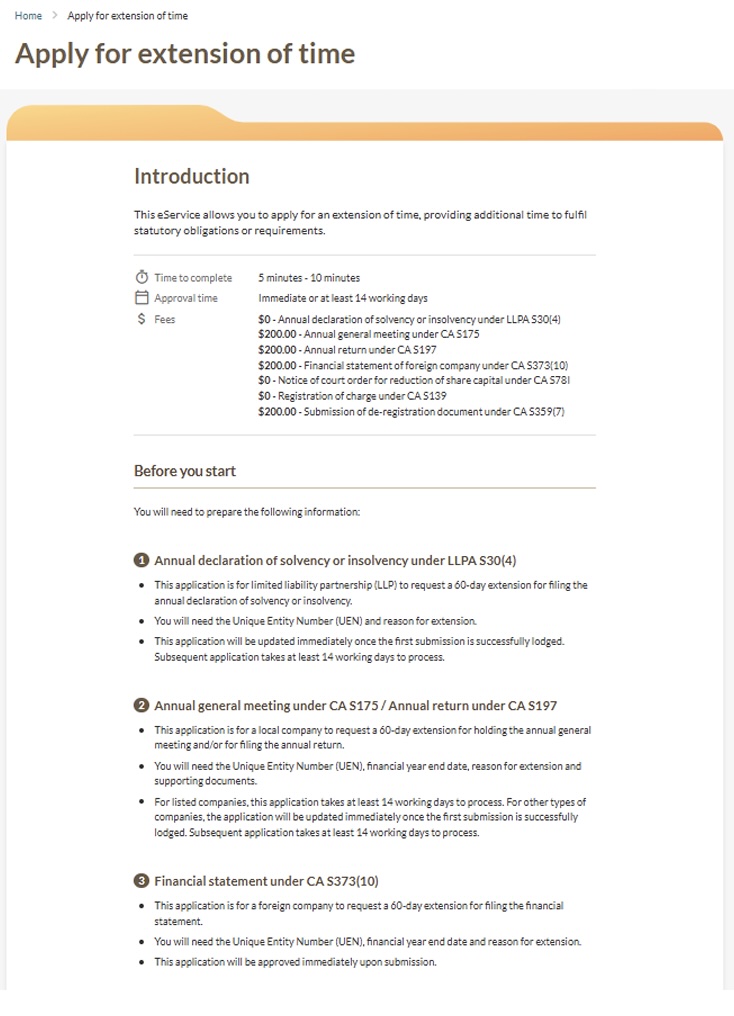
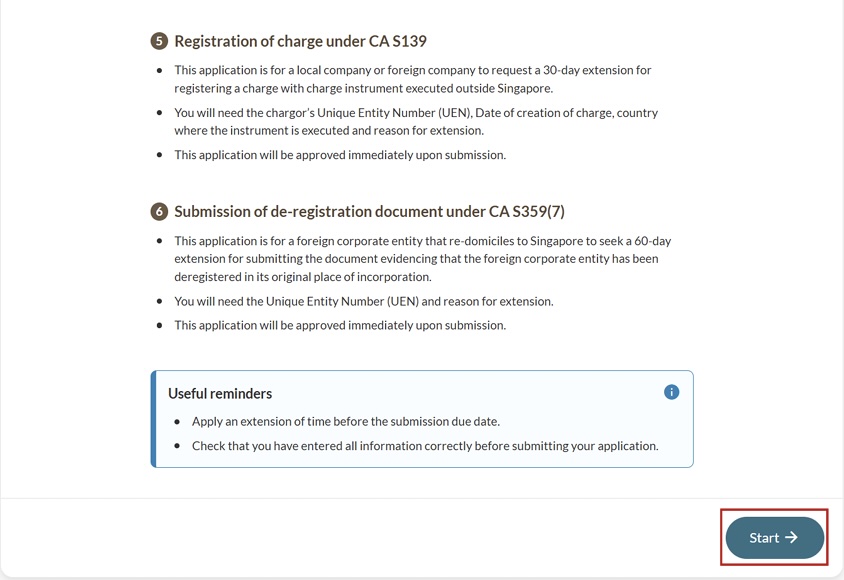
Step 1: Log in to Bizfile and open the "Apply for extension of time" eService
Follow these steps to navigate to the Apply for extension of time eService.
Note: All entity and personal information (including UEN, entity details, NRIC or FIN numbers, names and addresses) shown are dummy data for illustration purposes only.
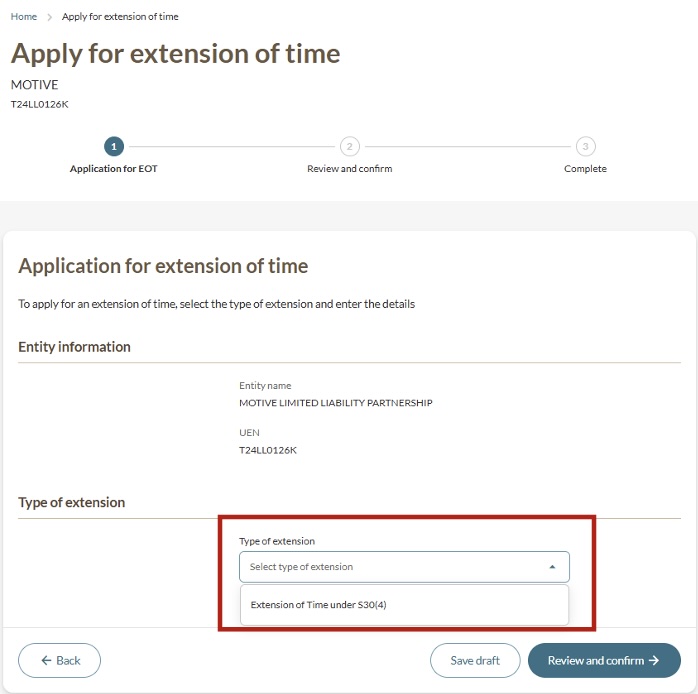
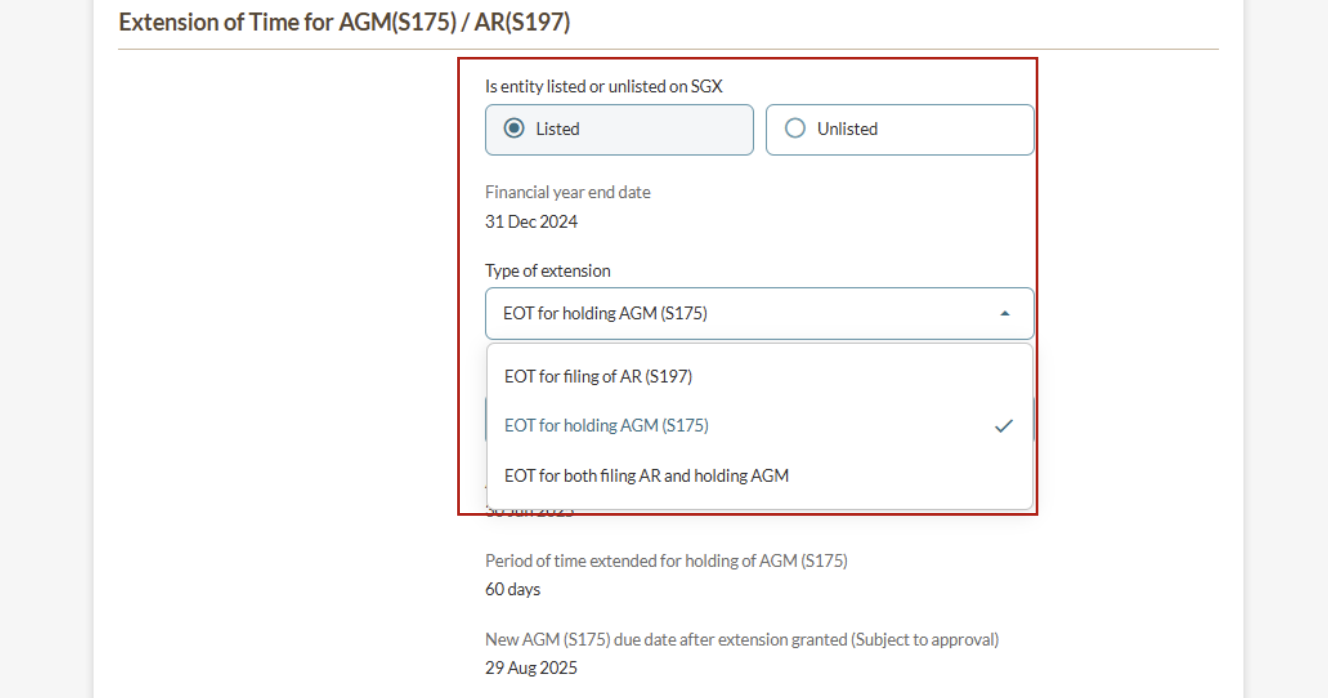
Step 2: Apply for the relevant EOT
You can apply for an EOT for holding an AGM, filing annual returns, or both.
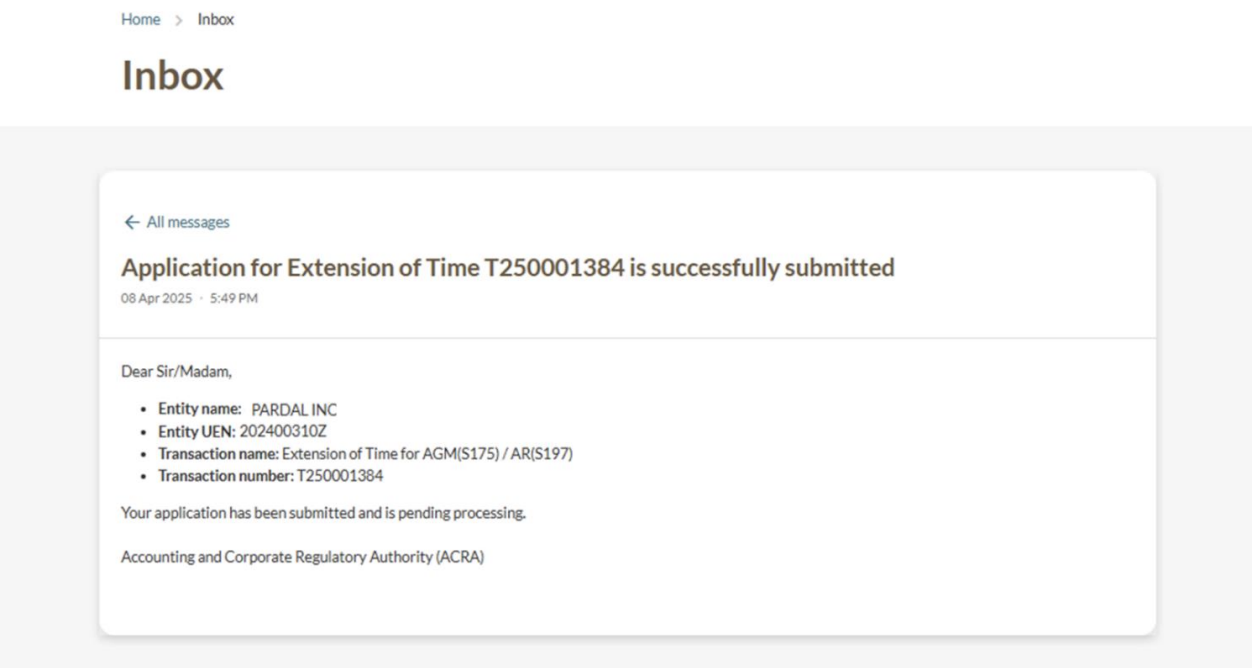
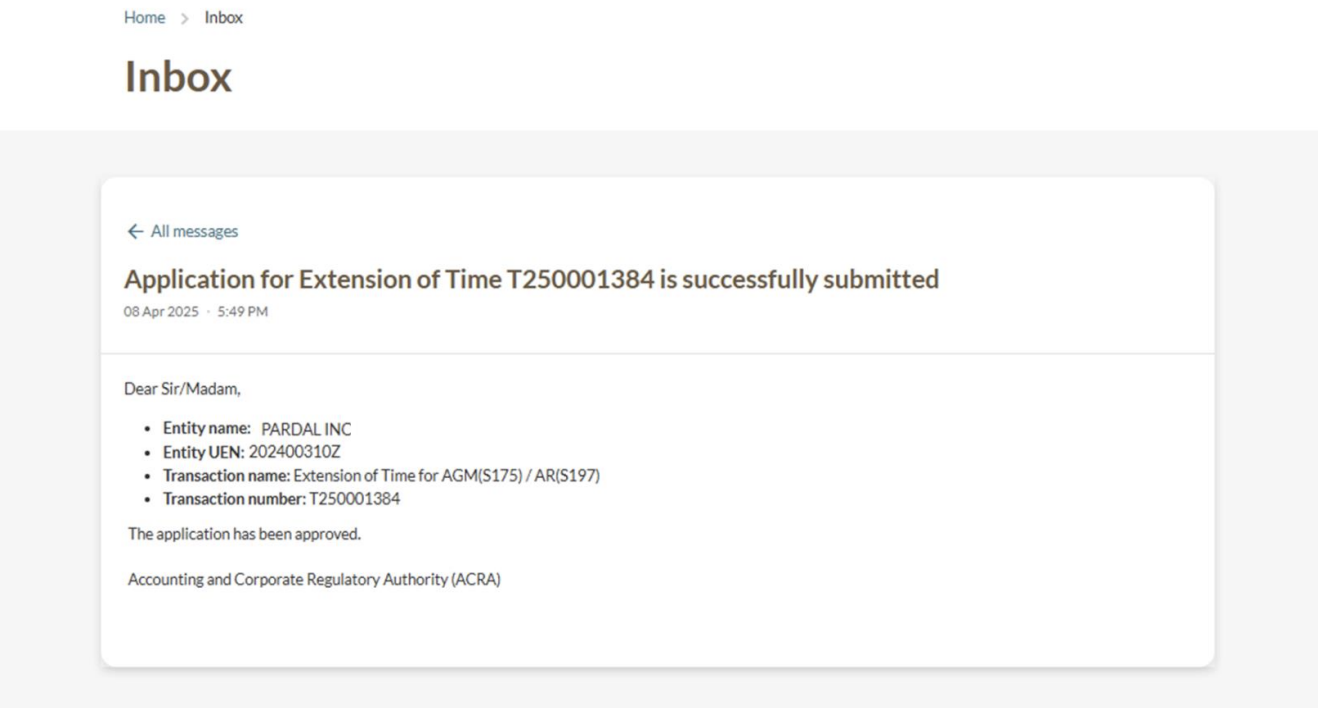
Step 3: Check your Bizfile inbox
Check your Bizfile inbox after you make payment.
Applying for further extensions
If you still cannot hold your AGM after the first extension, you may apply for a further EOT. However, ACRA is unlikely to grant a further EOT unless you have strong supporting reasons.
Fee: $200 (non-refundable in all cases, including rejected and withdrawn applications)
When to apply: Before your current due date. You cannot submit an EOT application on Bizfile after the due date. For queries on this, you may email ACRA_CD@acra.gov.sg.